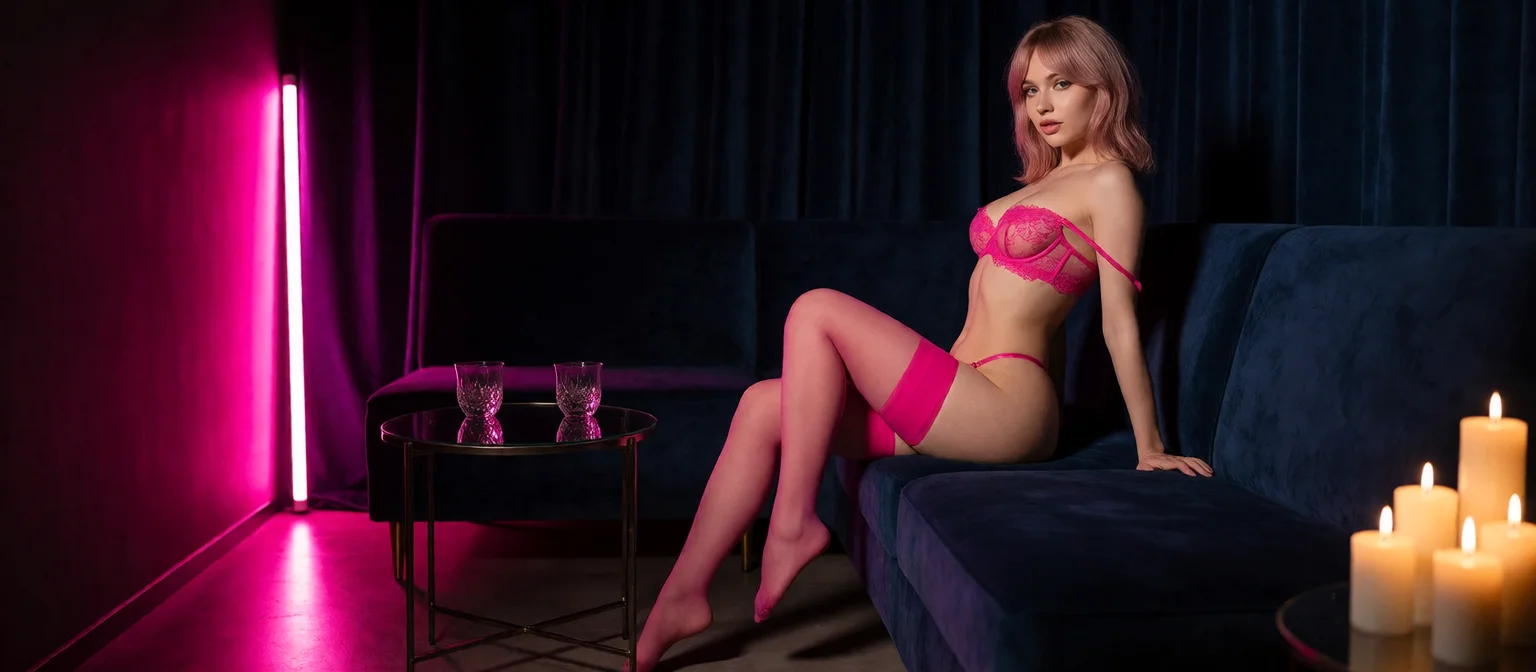
NSFW Image Generation: What Actually Works in 2026
The NSFW Image Generation Scorecard: Six Rows That Decide It
Every NSFW image generator can render a pretty picture once. What matters is the second image, the fifth, and the one you'd like to see move. That's where the scorecard below splits the field.
| Row | GoLove.ai | Prompt-only NSFW generator | AI-girlfriend app with image add-on | Local Stable Diffusion |
|---|---|---|---|---|
| Control method | Strong | Partial | Partial | Strong |
| Character consistency | Strong | None | Partial | Partial |
| In-chat photo delivery | Strong | None | Partial | None |
| Image-to-video | Strong | None | Partial | Partial |
| Pricing clarity | Partial | Partial | Partial | Strong |
| Entry friction | Strong | Partial | Partial | None |
GoLove.ai is the pick for one plain reason: it's the only column without a single "None." Local Stable Diffusion matches it on control and beats it on pricing clarity. Fair point. But Stable Diffusion can't send you a photo in the middle of a conversation, and it needs a GPU and an afternoon of setup before it does anything at all. Each section below unpacks one row.
Want to check the consistency row yourself? You don't have to set anything up. GoLove characters open straight from Explore, so you see whose face you'd be generating before you spend a thing. Pick one below and look.
Why GoLove.ai Leads the Table — and Where Others Still Score
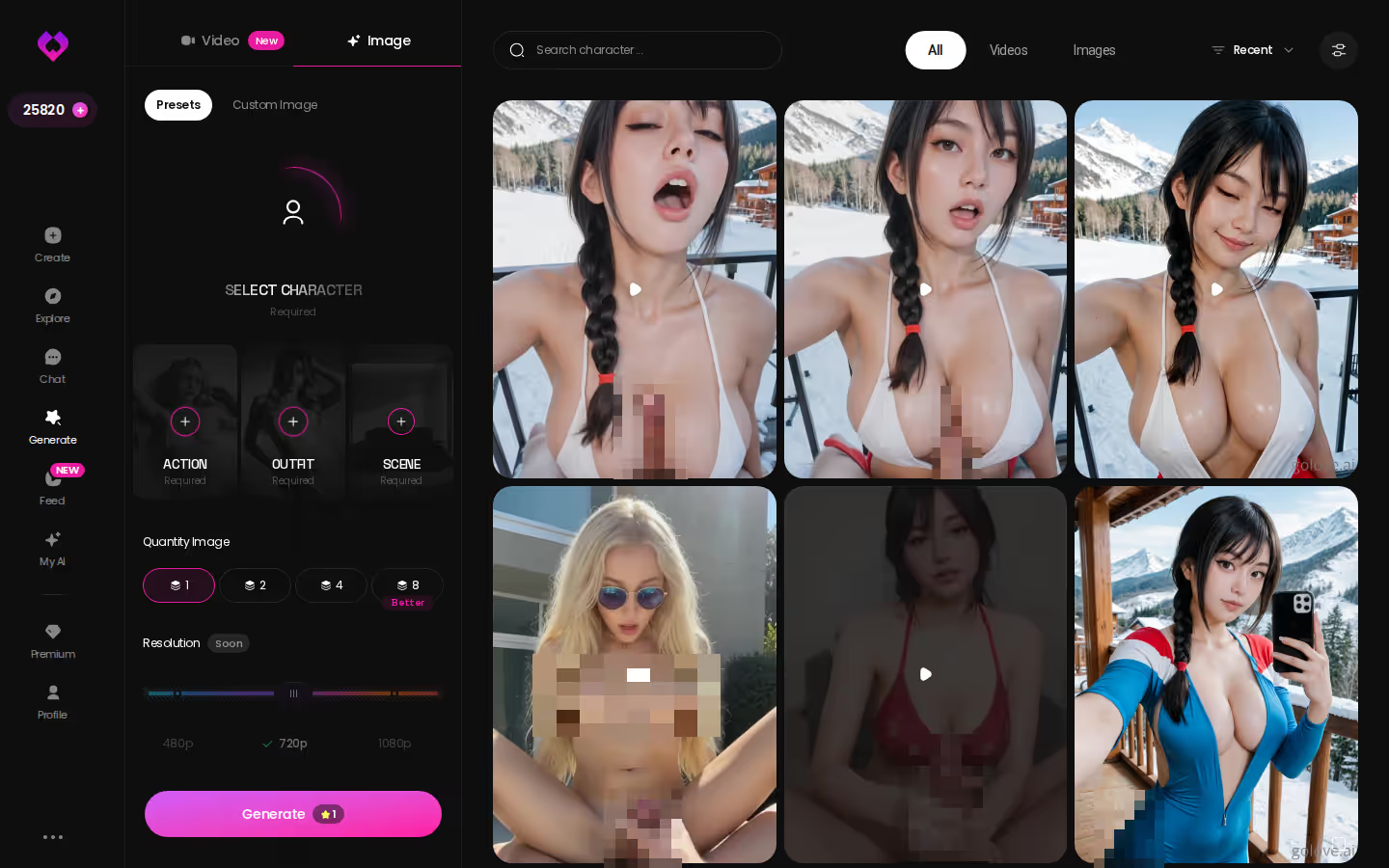
Short answer: on GoLove, image generation belongs to a character, not a prompt box. The Generate tab works per character. You pick her avatar, stack presets, and every render comes out as her. Chat, memory, photos and her Gallery all hang off that same character, so everything you make adds to one person instead of piling up as unrelated files.
ASK HER FOR PHOTOS
She sends them right there in the chat.
Where GoLove.ai pulls ahead
Pros
- Persistence: the generator is tied to a saved character, so image two looks like image one.
- Delivery: you can ask her for a photo in chat, and it lands in a per-character Gallery sorted by date.
- Range: 35 realistic picture poses, 21 outfits and 34 backgrounds, each with a custom option.
Cons
- Most of the depth sits behind PRO. Free use runs on 2 daily Stars.
- The workflow starts from presets. That's a hard sell if you like writing every detail of a prompt yourself.
Where rivals keep a narrow edge
So where does anyone else win? Local Stable Diffusion wins on raw tinkering: your own checkpoints, your own LoRAs, and no rules but yours. Prompt-only tools are fine for a quick one-off experiment when you don't need the character to exist afterward. For the wider field, see our breakdown of NSFW AI art generators.
Control: Stacked Presets vs Prompt Wrestling
Control is the row where most people give up on an uncensored AI image generator. You type a careful, detailed prompt. Then the filter blocks it, or the model drifts, and the render comes back in the wrong pose.
Action, Outfit, Scene: the three-preset stack
GoLove's Image mode builds a render from three stacked choices: an action or pose (35 realistic options), an outfit (21) and a background (34). Each layer also takes a custom entry. Why do presets cut down on failed renders? A preset is a combination the generator was built to handle, so there's less for it to misread.
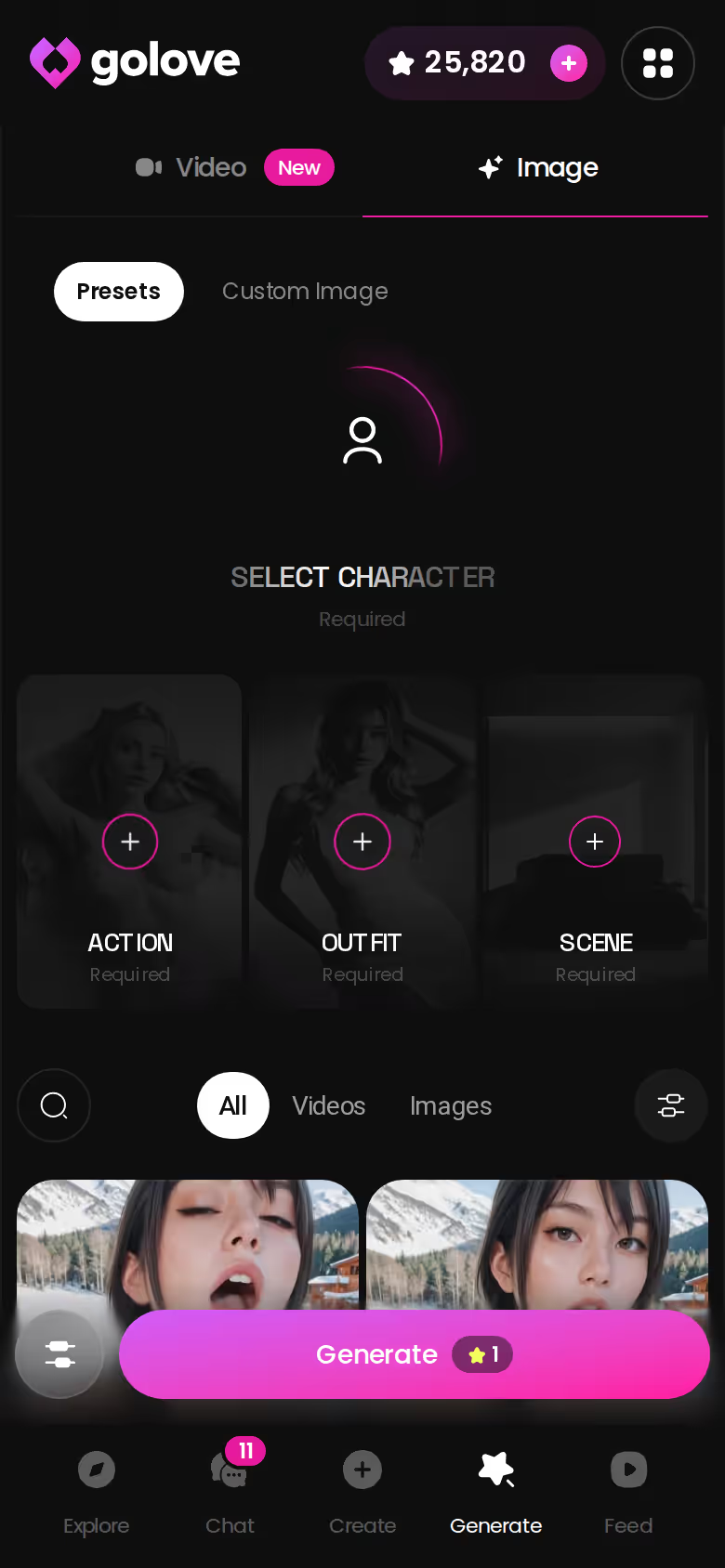
A quick myth-check:
- Myth: more prompt words give a better NSFW result. Fact: a long prompt hands the model more instructions to ignore or play off against each other. On filtered tools, the explicit words are often exactly what trips the block.
- Myth: presets make every image look the same. Fact: you change one layer at a time. Swap the outfit and keep the pose and scene.
Batch size and why it matters
You pick 2, 4 or 8 images per batch. Go wide when you're trying a new pose and narrow when you already know what you want. Choosing from several images beats rerolling one at a time.
Characters you can open right now
Tap any of them and the chat starts there






When a free prompt still makes sense
Some ideas just don't fit a preset. GoLove's custom pose, clothes and background fields cover most of those cases. For total freedom, local models are still the fair answer.
Consistency: Photos That Arrive Inside the Conversation
This is the row where realistic NSFW AI images stop being a gallery and become part of a conversation.
Asking for a photo mid-chat
Here's the flow I'd point anyone to. I open Zara Knox from Explore. She's the blue-haired one whose bio says she's done smiling at rude customers and wants someone to help her break the rules after she clocks out. We chat a while, then I ask her for a photo. The image lands inline in the thread, right under the message that asked for it, and Request Photos in Chat does the work. I don't open a second tab or write a prompt. The photo also gets saved to her Gallery, sorted by date.
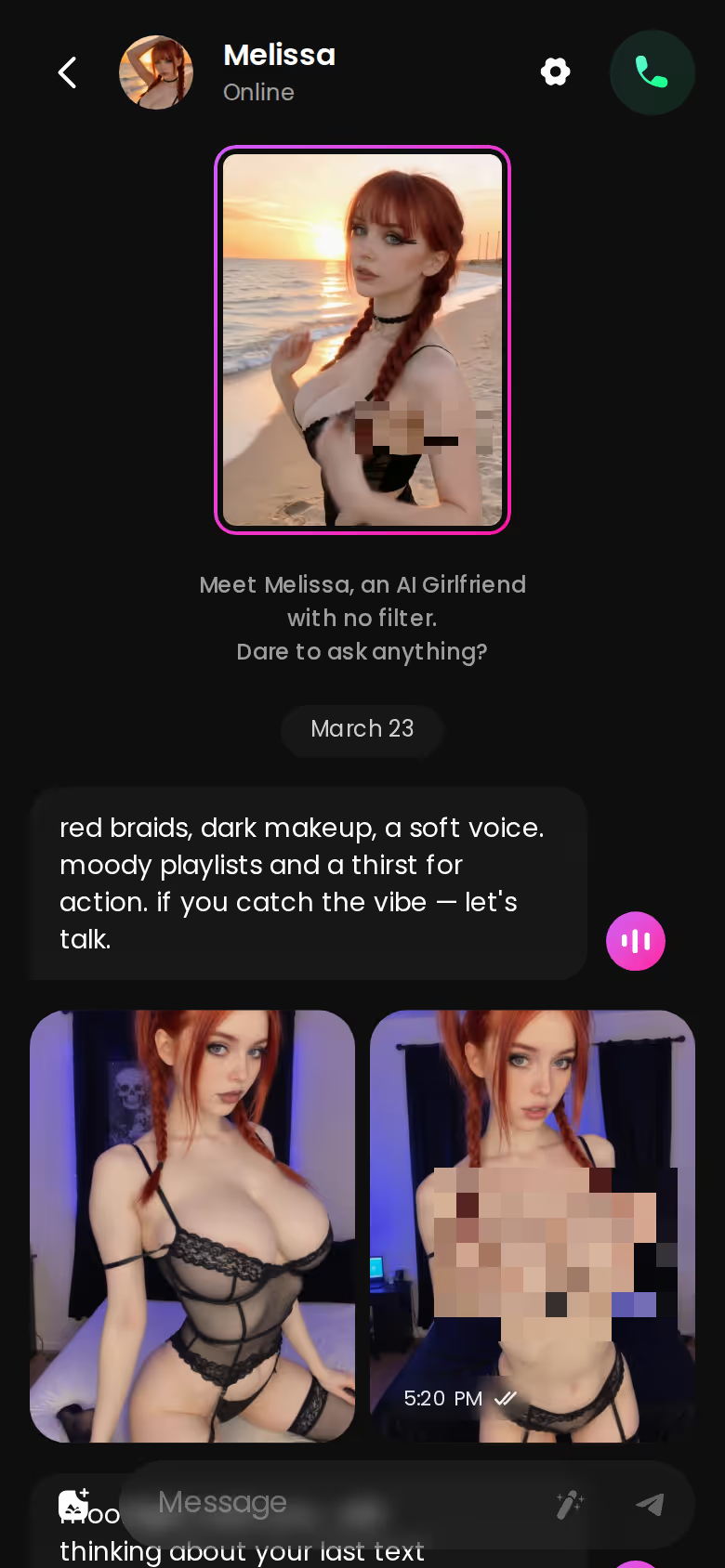
Why memory keeps her looking like herself
The photo comes from her character, not from a fresh prompt, so her face and body stay consistent from one image to the next. That's what "consistent AI character NSFW" should mean, and it's exactly where most image-only tools fall short. Memory holds the conversation history, while Chat Settings (voice, a 5-level lust slider, response length) carry the tone forward. Ask for a photo after a slow, teasing build and it fits that mood. It doesn't read like a random render dropped into the thread.
Test this row first. Asking takes one message, and her reply will tell you more than any spec sheet could. Pick a girl and ask her.
Motion: When a Still Becomes a Clip
Image-only generators score zero on motion. For many people, motion is the obvious next step, so here's how GoLove handles NSFW image-to-video without making you leave the character.
BUILD HER YOUR WAY
Face, voice and personality, all set by you.
What good looks like, in one checklist:
- Real-time voice calls with per-character voices
- Memory across chats — she remembers your details
- In-chat image generation — 35 poses and 21 outfits
- 2 reward stars every day you log in
Image to Video in one step
Generate Video from Photo turns a still into a moving clip, and that includes a photo she just sent you in chat. Same face, now moving.
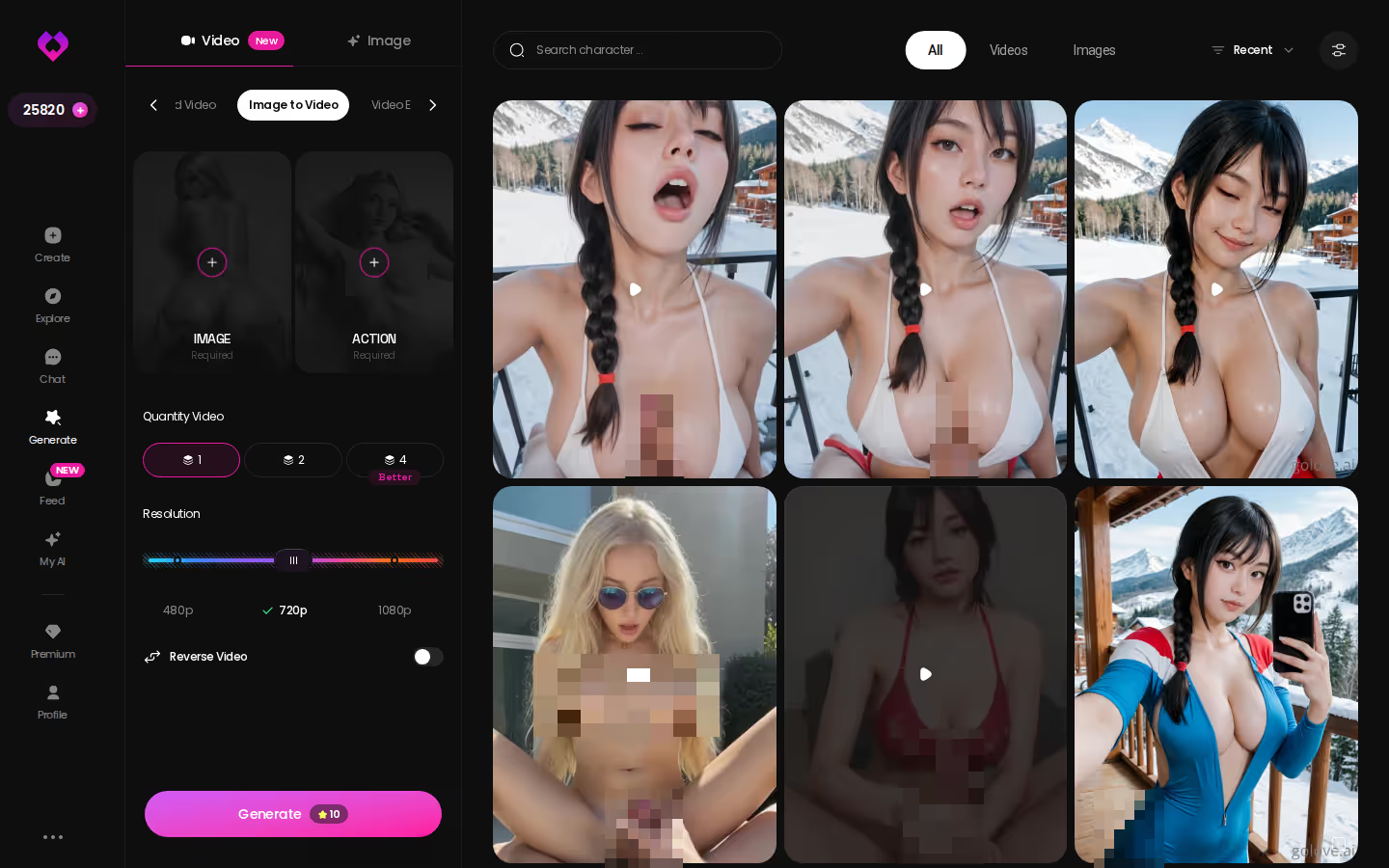
Preset-card video with any character
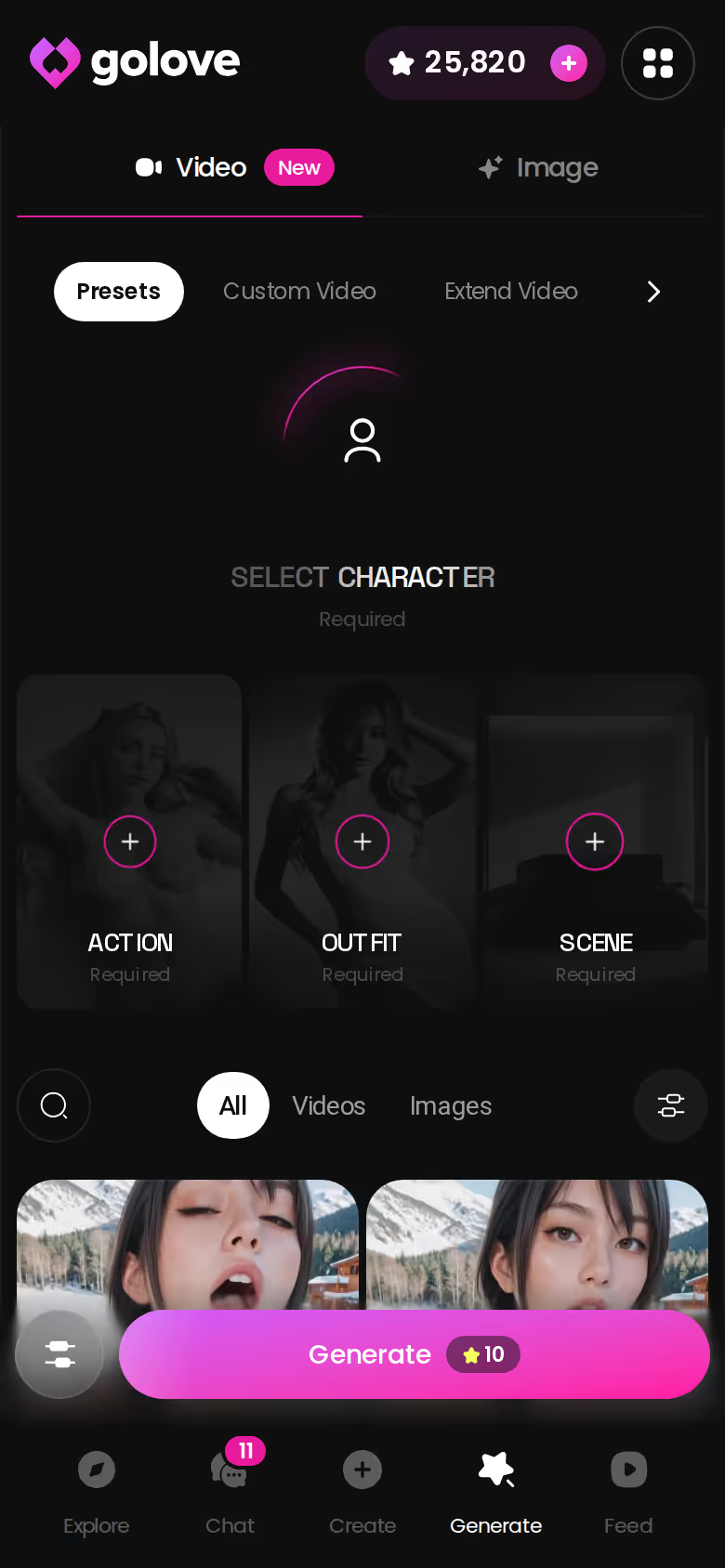
Generate has Video and Image tabs. Video works like Image mode: visual cards for action, clothes and background, then one Generate tap. The options:
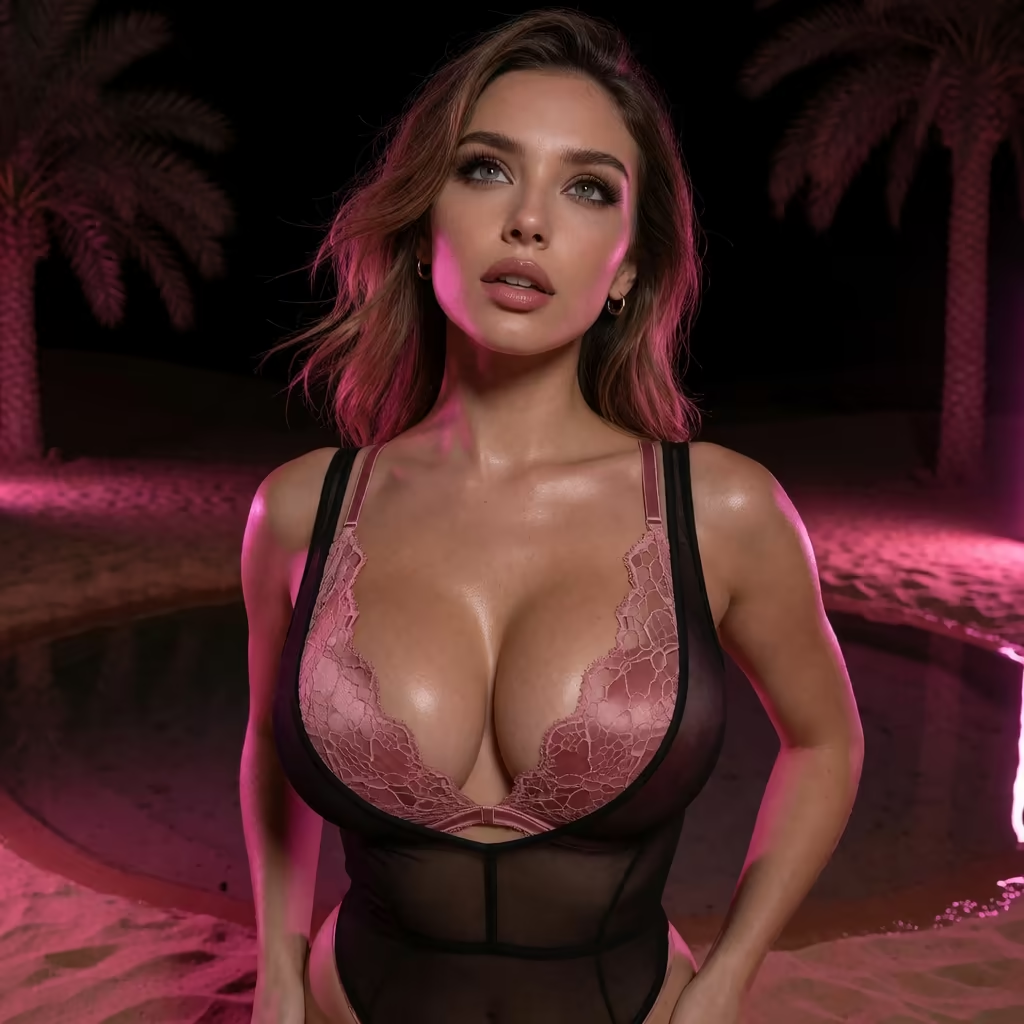
- Modes: 76 realistic video modes, with labels like "Hard Doggy Style" and "Twerk", and 147 in total across realistic, anime, trans and anime-trans.
- Characters: any GoLove character or one you built yourself in Create.
- In chat: Video Actions let you pick a move from a Select Action modal without leaving the thread.
Remixing clips from the Feed
The Feed is a swipeable, full-screen stream of character clips. Tap the magic wand on any clip and Generate opens with that character and the exact settings behind it, ready for you to tweak or to swap in your own character. The catch is that free accounts get a limited number of new Feed videos per day, and the Feed filters are PRO-only.
Price and Paywall: What Changes the Monthly Cost
Pricing for AI adult image generators is where competitor pages go quiet. So what actually moves the number?
Subscription vs credit models
Most apps in this category pair a subscription with a credit balance. Candy AI charges tokens for images, voice and video on top of its plan, and OurDream takes media from a separate DreamCoins balance. GoLove runs a PRO subscription plus Stars, an in-app currency shown in the header that you spend on generation. If you run low, there are Star packs. Across the category, video tends to cost more than stills, and a bigger batch gets you more output per tap. Plan your spending around the media you'll actually use, not the flashiest thing on the sales page.
Where the free access ends
GoLove chat opens straight from Explore without an account, so you can judge a character before paying anything. Past that, the free tier gives you 2 Stars a day and a daily cap on new Feed clips. Prices vary by region and promo. Check the current plan page instead of trusting a number quoted anywhere, and that includes this article.
Before you pay:
- Currency: find out what an image and a video each draw from your balance.
- Renewal: check whether a promo price is for the first cycle only.
- Free tier: try the chat before buying Stars.
What We Couldn't Verify at GoLove.ai
A spec-sheet review only works if it admits where the spec sheet stops. We couldn't confirm these three things:
- Promo pricing after the first cycle: GoLove has shown steep PRO discount banners, and I always treat those with some suspicion. We can't confirm whether a promo rate holds when you renew or reverts to the regional standard price, so read the checkout terms.
- How deep long-term memory goes: Memory is a listed core feature, and it keeps context through a chat. The product docs don't say how far back it reliably reaches over weeks of use, so we won't guess.
- Video rollout and plan access: video features have shipped fast this year. We couldn't confirm that every video preset is available on every plan or in every region at a given moment.
None of this changes the rows that decide the scorecard. The unknowns are in billing and roadmap details. Consistency, in-chat delivery and motion are features you can see working in the product today.
Rereading the NSFW Image Generation Scorecard
Go back to the table and cover up every row where everyone scores something. What's left? Character consistency, in-chat photo delivery and motion.
Prompt-only tools score None on all three. AI-girlfriend apps with image add-ons get Partial across the board. With enough setup work, local Stable Diffusion can reach consistency and video, but it still scores None on sending you a photo in a chat. Only GoLove.ai scores on all three, and that's the difference between a tool that makes one picture and a character who keeps sending you new ones.
> Verdict: GoLove.ai is the NSFW image generator where the character outlasts the first render. The same face shows up in her photos, her chat and her clips. > > For: adults who want AI girlfriend photos from a character who remembers the conversation, not a one-off render. > > Look elsewhere: local-model tinkerers who want their own checkpoints, LoRAs and zero presets. For them, Stable Diffusion is still legit good.
My pick is GoLove.ai. Build your own character (Realistic, Anime, Trans, or describe one with Design with AI), and every pose, outfit, photo and clip after that uses her face. Make her below.
Frequently Asked Questions
Related Articles
AI Generated Anal Porn: Which Apps Actually Deliver?
AI generated anal porn: most generators output one static image — GoLove adds photo-to-video, memory, and in-chat requests. See the comparison.
AI Naked Anime Girl: What Actually Works in 2026
AI naked anime girl tools stop at one image — GoLove.ai wins on memory and in-chat photos. Pick her anime style in the create wizard and start.
Waifu Bot: What Actually Works in 2026
Waifu bot searches used to mean Discord gacha cards with cooldowns — GoLove.ai remembers you and sends real photos instead. See it now, no email wall.
Sexting Generator: What Actually Works in 2026
Sexting generator vs GoLove.ai — one gives you a scripted line, the other remembers your kinks and sexts back with voice and real photos. See why it wins.
This article contains affiliate links. We may earn a commission at no extra cost to you if you sign up through our links. See how we test.