 −70%
AI Cosplay Girl Generator: Custom Outfits, Same Face
AI cosplay girl generator verdict: GoLove.ai wins on consistency — custom clothes keep the same face across photos and video. See the costume flow.
The Short Answer: GoLove.ai, Because the Face Holds Under the Costume
Any AI tool can put a girl in a costume once. The real test of a cosplay generator is the second photo: is she still the same girl, in the same outfit? That's where most tools fall short.
GoLove.ai is my pick for an AI cosplay girl generator because it's built around that second photo. Ask a character for a costume mid-chat and the photo keeps her face and body consistent with her avatar and everything she's sent before. That's the exact feature that wins here. Video is there too. Tap Generate Video under the photo and you get a short clip of the same scene without re-prompting, but the photo is the part that has to hold. Ahead: the preset generator, custom clothes, Design with AI, and what a shoot costs next to OurDream.
35 poses · 21 outfits · 34 backgrounds, each with a custom option
Signing up is free, so start with the faces before you spend a single Star. The face you pick is the one every costume after it has to hold onto, which makes it the most important choice you'll make here.
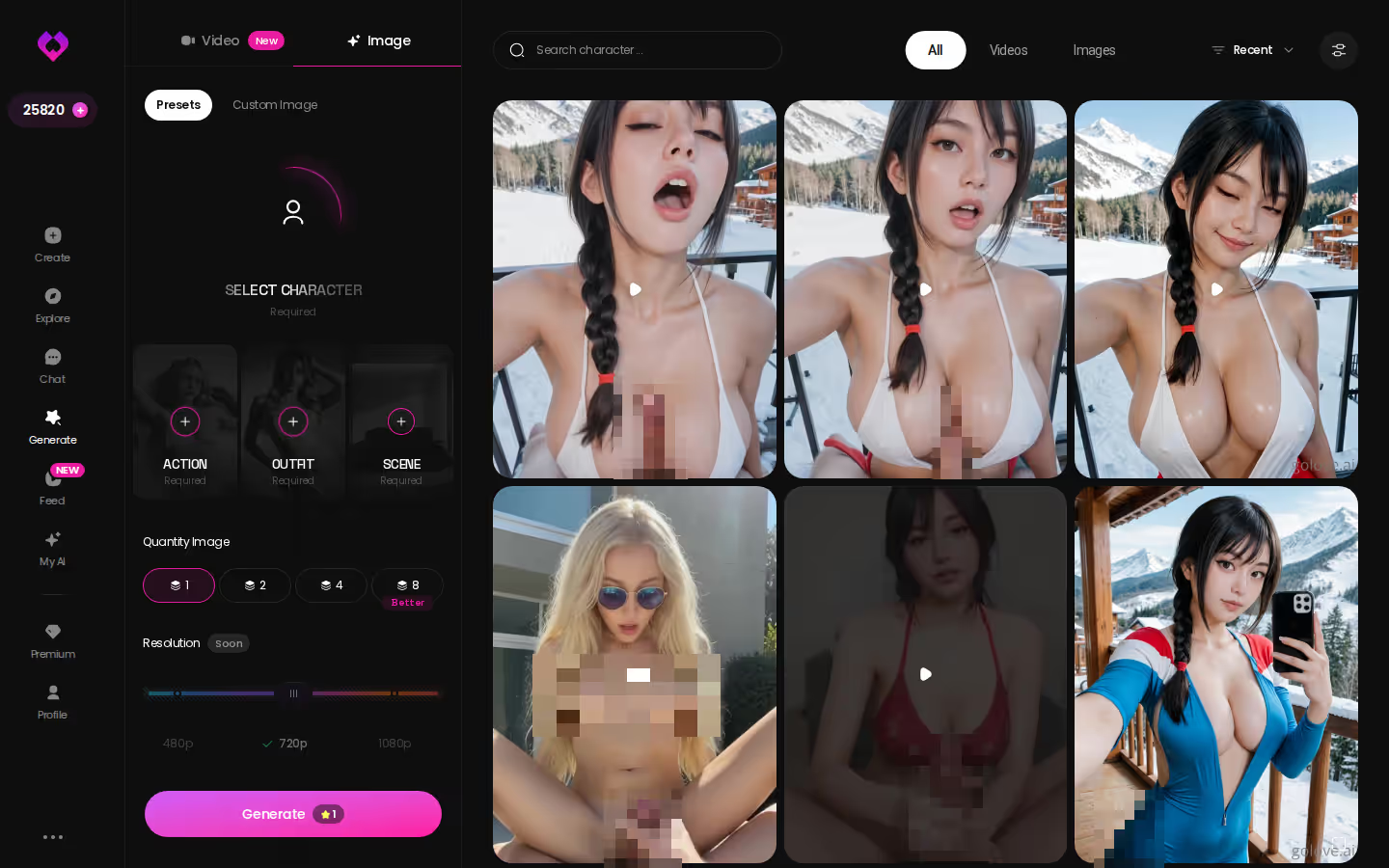
Image mode: stack Action, Outfit and Scene
The Image tab in Generate works per character. Pick her first, then stack the pieces:
- 35 realistic poses, plus a custom pose
- 21 outfits, plus custom clothes
- 34 backgrounds, plus a custom background
- Batches of 2, 4 or 8, at 1 Star per image
Presets feel like a cage? Skip them and write a fully custom prompt.
Why the presets are not a cosplay wardrobe
Fair point to flag up front: the 21 outfits are sorted into minimal, casual, warm, bottoms and accessories. Those are everyday clothing groups. Nobody should read "21 outfits" on a feature list and picture a costume rack. A specific cosplay look comes from custom clothes or a custom prompt, so you'll be describing the costume yourself, down to the colors, the cut and the props. More typing, sure. But you also aren't stuck with somebody else's idea of a "maid outfit."
Moving the costume into video
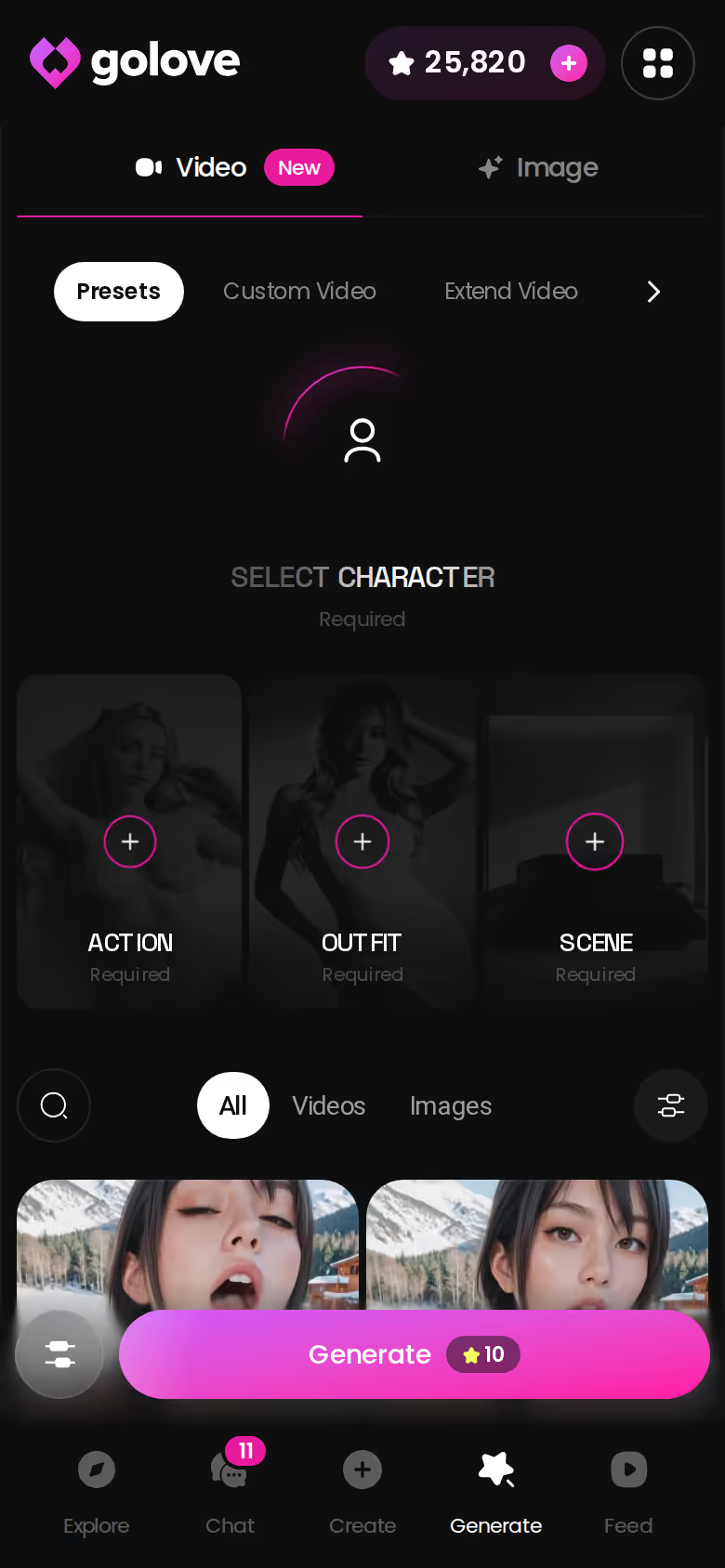
Want the costume moving? The Video tab builds a clip from preset cards (action, clothes, background), then one Generate tap. Custom Video, Image to Video and Multi-Scene sit alongside the presets. Output runs 480p, 720p or 1080p, and a 720p clip costs 10 Stars. The avatar swap sits top right, so the cosplayer you picked stays loaded from one run to the next. For how other tools handle these controls, see our roundup of NSFW AI art generators and what each one controls.
A Costume Change, Asked For Mid-Conversation
Here's the flow. You open a chat with an adult character from Explore. She already has a face, a voice and a history with you, because you've been talking. Tap the media button, choose Send Photo, and describe the costume in your own words: a white-and-red shrine outfit with a loose ribbon, say, or a sleek bodysuit with the visor pushed up.
A photo lands in the thread in about 20–45 seconds. It costs 1 Star, and her face and body stay consistent with her avatar and the photos she's sent before.
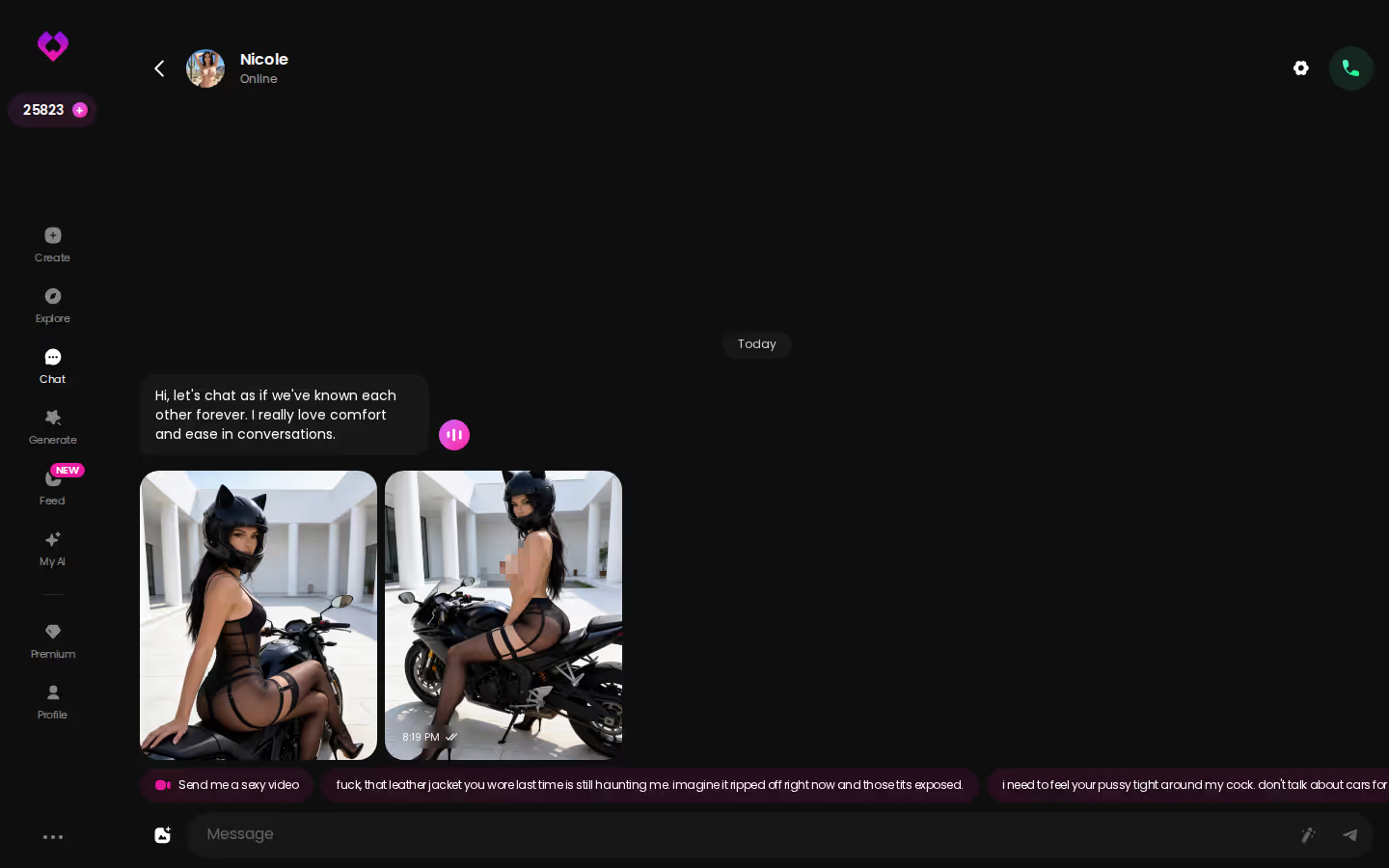
Under that photo sits a Generate Video button. One tap gets you a roughly 5-second clip of the same scene in about a minute, for 10 Stars. Rather not type at all? The "Send me a sexy video" quick-reply chip works as an alternate trigger.
Why does this beat a blank prompt box for cosplay? Because the character and the conversation are already set. You aren't rebuilding her from scratch every time (which is where blank-box generators tend to drift). All you describe is the costume.
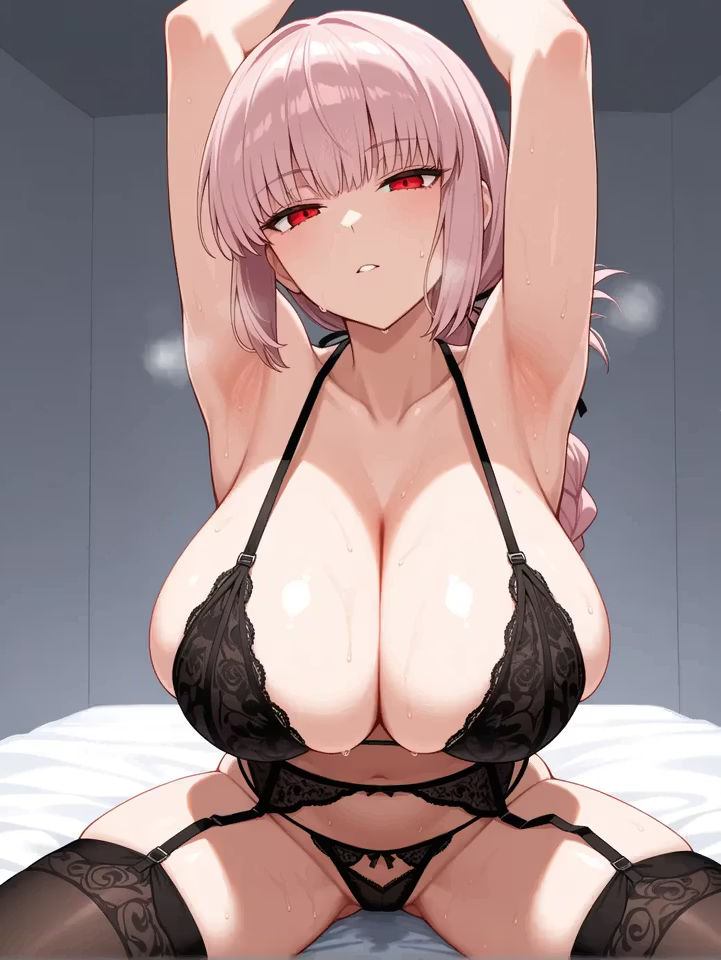
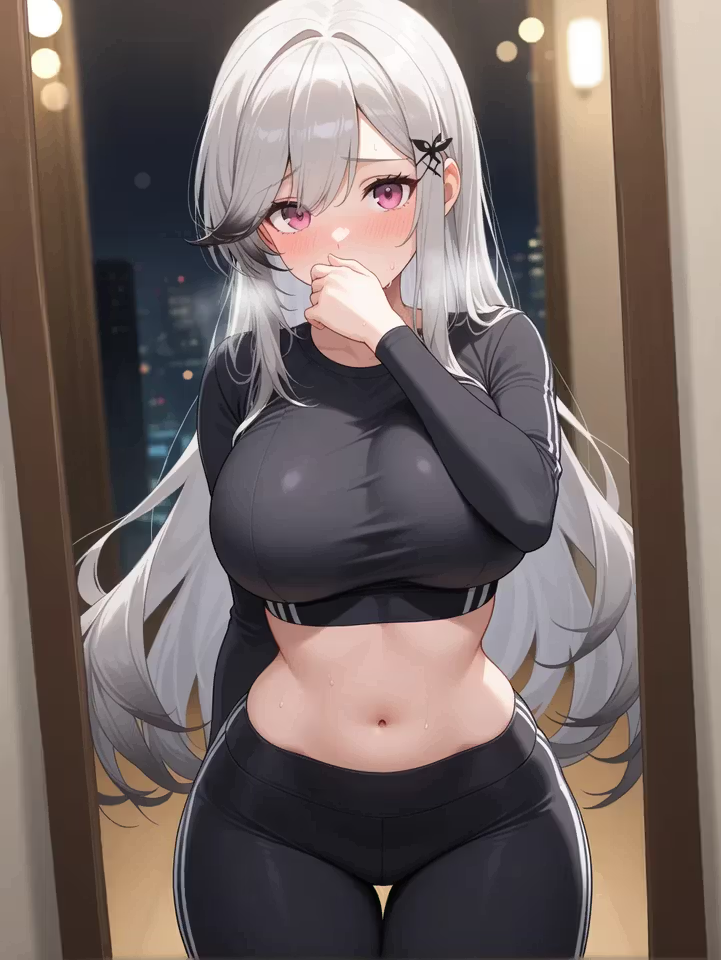
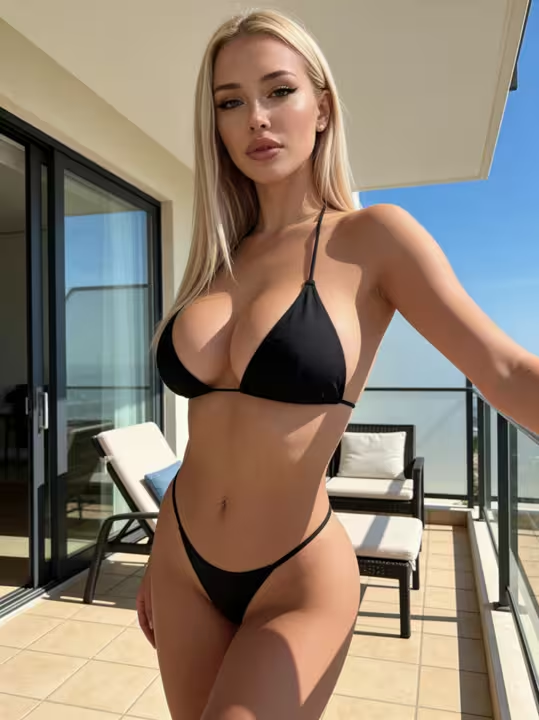
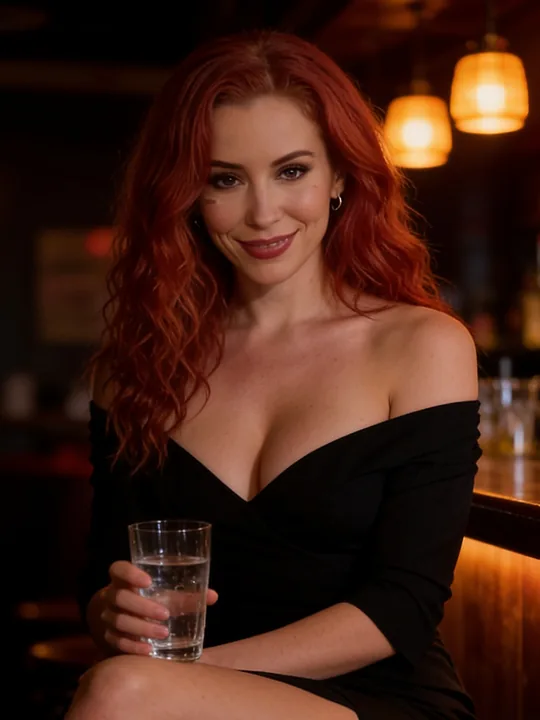
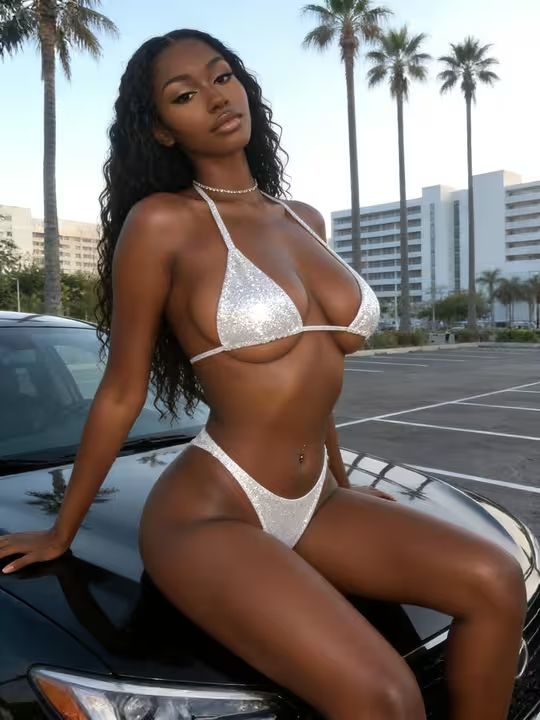
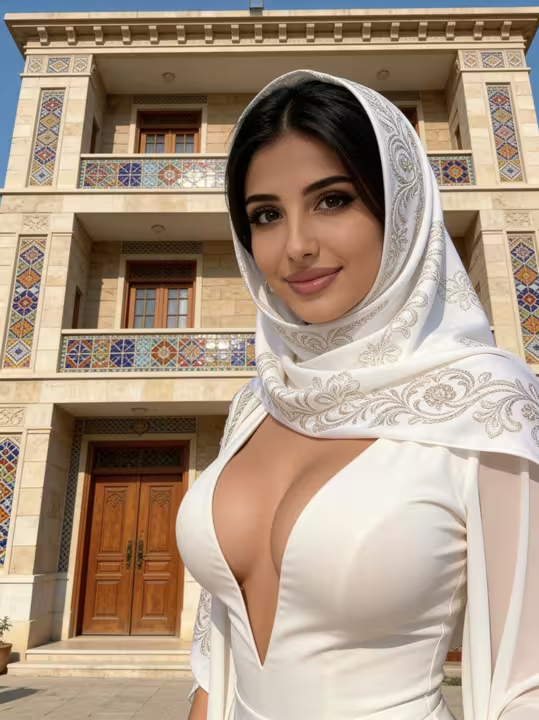
Characters you can open right now
Tap any of them and the chat starts there
Design with AI: write the costume into her
Costume photos work with any character. If you want a signature look, though, the more reliable route is to make the costume part of who she is. Design with AI takes a plain-text description of up to 2,000 characters, which leaves room for her hair, her build, her attitude and the exact outfit she's known for.
About a minute later you have:
- A named character with her own @handle
- A written bio that reflects your concept
- A portrait to anchor every later photo
GoLove.ai, myth vs. fact:
- Myth: She forgets you the moment the tab closes — Fact: She remembers your chat history
- Myth: Voice is a gimmick you try once — Fact: Live voice calls, voice messages and a voice picker in Chat Settings
- Myth: Every "photo" is the same stock render — Fact: She sends photos on request, and the image generator has 35 realistic poses and 21 outfits
- Myth: You can't change how she talks — Fact: Chat Settings set her lust level and reply length
Expect it to cost about 3 Stars. She's private by default, and from there you can chat with her, request photos, or take her into the video generator.
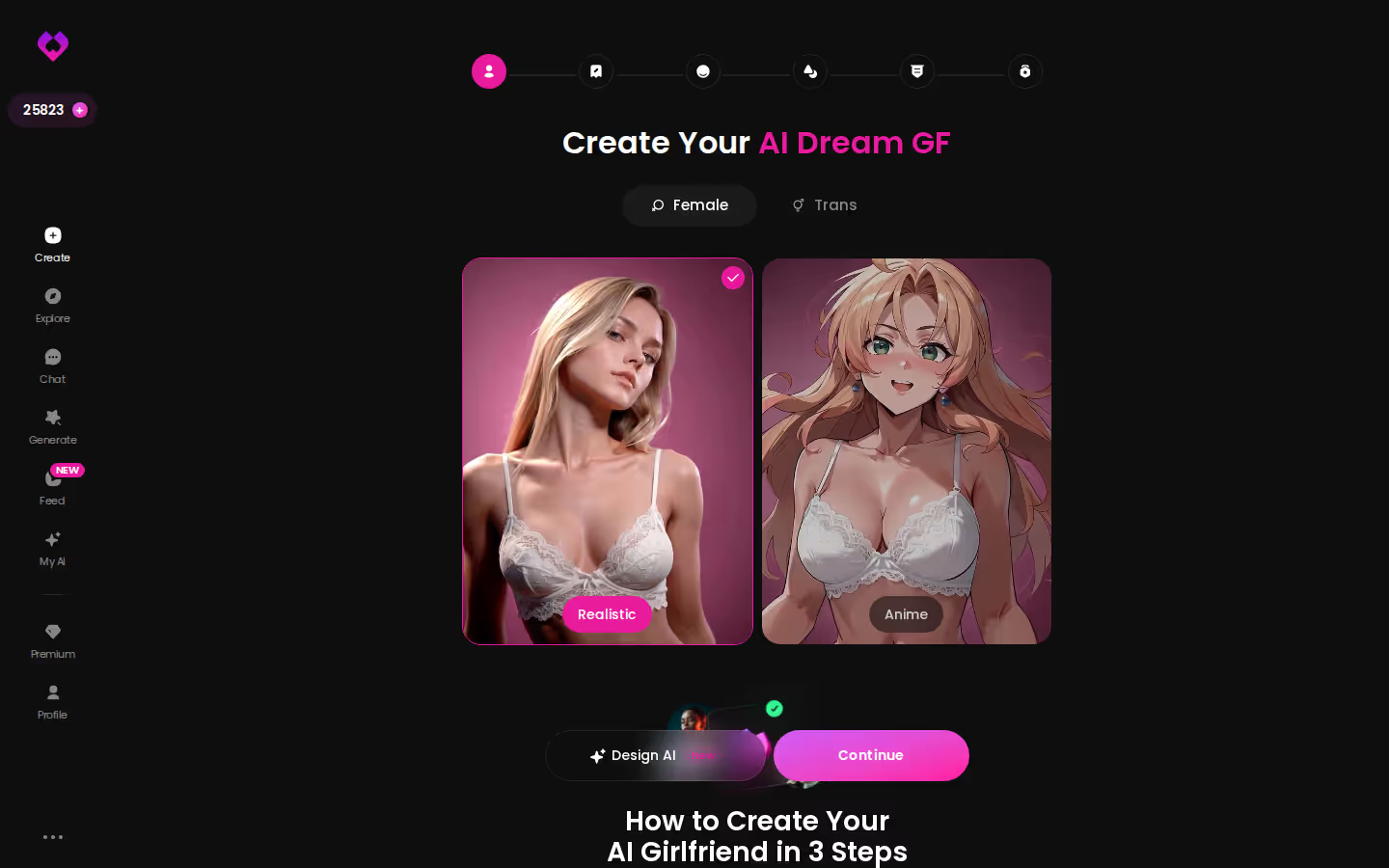
Realistic, Anime or Trans base
The Create wizard opens on three cards: Realistic, Anime and Trans. Anime-leaning cosplay gets extra room, with a separate Explore category of 300+ anime characters, plus 15 anime picture poses and 20 anime video modes.
One firm line. Creating a character from up to 5 of your own photos is ULTRA-only and still in alpha, and you should never upload a real person without their consent. Original or inspired designs are the safe lane, and to my mind the more interesting one anyway.
What a Cosplay Shoot Costs: GoLove.ai and OurDream Priced Out
Prices are approximate and vary by region and promo. GoLove was checked in 2026-10 and OurDream in 2026-09.
| GoLove.ai | OurDream | |
|---|---|---|
| Monthly plan | PRO about $19.99/month | Premium from about $19.99/month |
| Annual | About $119.88/year (~$9.99/month) | About $9.99/month billed annually ($119.88/year) |
| Top tier | ULTRA about $59.99/month | Deluxe about $59.99/month |
| Media currency | Stars: PRO includes 100/month; 1 Star per image, 10 Stars per 720p video; packs from about $9.99 for 30 | DreamCoins: 1,000 per billing cycle on Premium |
| Bundling | Chat on PRO; images and video spend Stars | Ahead: chat, image and video bundled in one subscription |
| Mobile | Mobile layout with Generate and Feed in the bottom nav; app-store install not confirmed | Web-only, no native mobile app |
On headline price it's a dead heat. OurDream takes the bundling row outright, no argument.
GoLove's edge is that you can do the math per shoot. An 8-image costume batch is 8 Stars. Turn your favorite shot into a 720p clip and that adds 10, for 18 Stars total, well inside the 100 that PRO restores each month. New users also see a limited-time −70% first-subscription offer.
That per-image clarity is the reason to look now: you can price a whole costume set, Star by Star, before committing to anything.
Watch the Cosplay Story First, Then Remix the Look
Not sure what look you want yet? Watch one first. Caught My Duo in Cosplay is a 5-episode GoLove Series with secret-identity, cosplay and foot-fetish themes. Kai games every night with Mochi, a girl he's never seen, and doesn't know she's the cosplayer he keeps dreaming about. She does.
Episodes 1 and 2 of every series are free. Later episodes need PRO plus a few Stars each. Under the player sit Start Chatting, Create Video and Create Image, so the story leads straight into your own shoot. The catalogue holds 11 series and 65 episodes as of 2026-11-08, and GoLove says new episodes arrive every week (their claim; take it as such).
Do I need an account to start? Episodes 1–2 play without one.
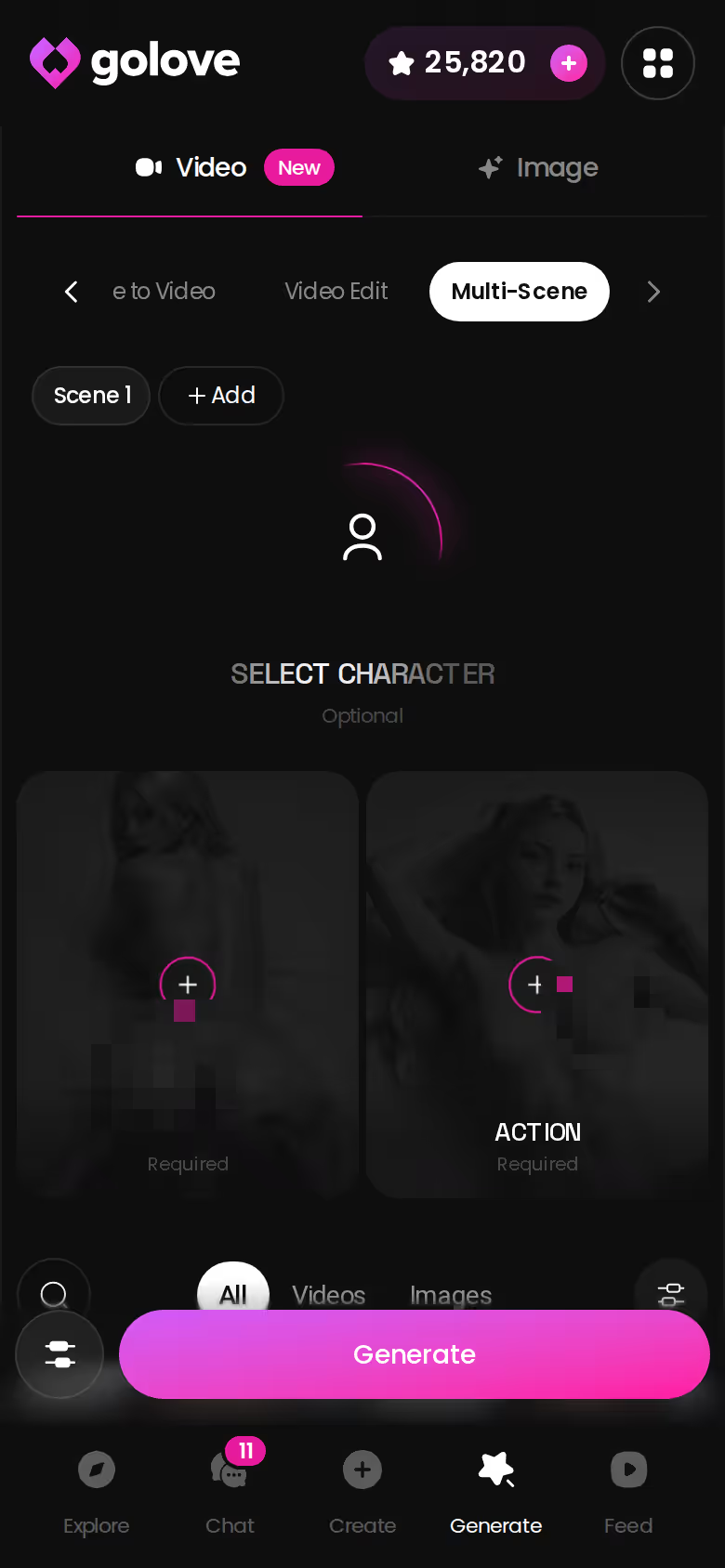
The Feed works on the same idea. Tap the magic wand on any clip and the generator opens with that clip's character, action, outfit and scene already set, so a costume you liked becomes your starting point: change what you want and regenerate. Multi-Scene then lets you build one clip out of several moments.
Who GoLove.ai Is NOT For as a Cosplay Generator
For some readers, GoLove is a hard sell. Skip it if you're one of these:
- Free-only users. The free tier we could verify is 2 daily reward Stars, a limited daily Feed, and episodes 1–2 of each Series. Unlimited free output isn't on the table.
- Exact-replica hunters. Want a pixel-perfect copy of a named anime or game character? We could not confirm how franchise likenesses are handled. Treat GoLove as a tool for original or inspired designs.
- People wanting male cosplayers. There are no male characters yet. The Explore gender filter lists Male as "Soon."
- Real-person dress-up. Anyone hoping to dress up a real person from photos without consent: don't.
- App-store loyalists. We could not confirm a store install. On mobile, you're using the browser layout.
The last caveat is the preset wardrobe, which is general. If you want one-click named costumes, you'll be writing descriptions instead. The flip side is control over every detail of the costume rather than a pick from a short list, and for cosplay that's the trade most people should want.
The Pick for Costumed Shoots, and Who Should Go Elsewhere
OurDream makes sense if you want chat, image and video bundled under one subscription and a web-only setup doesn't bother you. That's a legit good package, and it's the one area where it pulls ahead.
and watch their story unfold.View Character
For this search, though, GoLove.ai is the pick. A costumed character keeps a consistent face and body through in-chat photo requests, you can design her from a written concept or remix a look straight from the Feed, and any photo becomes a short video in one tap. That covers the second photo, the third and the clip. Which is the whole job.
Verdict: GoLove.ai is the AI cosplay generator for people who want the same girl to survive every costume change. It's best for adults building an original cosplayer they'll keep chatting with, photographing and animating.
So write the costume into her from the start. Two thousand characters is enough to describe a whole signature look, and every photo you ask for after that builds on it.
Frequently Asked Questions
01Can an AI cosplay girl generator recreate a specific anime or game character exactly?
Don't count on a pixel-perfect copy. We could not confirm how GoLove.ai handles franchise likenesses, so treat it as an AI cosplay girl generator for original or inspired designs. Describe the costume yourself in custom clothes or a custom prompt, covering colors, cut and props, or write it into a new character with Design with AI. Honestly, an original cosplayer who is yours tends to be the more fun result anyway.
02Does the same girl stay consistent across cosplay photos and videos on GoLove.ai?
Yes, and that's the main reason GoLove.ai is our pick as an AI cosplay generator. When you ask for a costume photo in chat, her face and body stay consistent with her avatar and the photos she's already sent you. Tap Generate Video under that photo and you get a roughly 5-second clip of the same scene without re-prompting. In the Generate tab, the avatar swap at the top right keeps your chosen cosplayer loaded from one run to the next.
03How do I ask for a costume photo inside a GoLove chat, and how long does it take?
Open a chat with any adult character, tap the media button, choose Send Photo and describe the costume in your own words. A white-and-red shrine outfit with a loose ribbon works, and so does a sleek bodysuit with the visor pushed up. The AI cosplay photo lands in the thread in about 20–45 seconds for 1 Star. You never rebuild her from scratch. You just tell her what to wear.
04What does a cosplay photo or video cost in GoLove Stars?
In GoLove.ai's cosplay generator, each image costs 1 Star, so an 8-image costume batch is 8 Stars. A 720p video or an in-chat Generate Video clip costs 10 Stars. That puts a full set plus one clip at about 18 Stars, well inside the 100 Stars PRO restores each month. PRO runs about $19.99/month and Star packs start around $9.99 for 30 (both checked 2026-10; prices vary by region and promo).
05Is there a phone app for AI cosplay generation, or does it run in the mobile browser?
We could not confirm an app-store install, so on your phone you're using GoLove's mobile browser layout. It's built for mobile: the bottom nav has Explore, Chat, Create, Generate and Feed as first-class tabs, so the AI cosplay generator is one tap away. If a native store app matters to you, check the current options in the app before you commit.
06What else compares to GoLove.ai for NSFW cosplay art, and where does it differ?
OurDream is the closest match on price. It starts at about $19.99/month, or about $9.99/month on an annual plan, and it bundles chat, image and video in one subscription, which is its real strength. It's web-only with no native mobile app, and media draws on a separate DreamCoins balance. Character.AI is strictly SFW, so it's out for NSFW cosplay. GoLove.ai wins for an AI cosplay girl generator where the same face holds across in-chat photos, one-tap clips and Feed remixes.
07Will my AI cosplayer remember her costume and our story between sessions?
GoLove's chat includes Memory, so your story and history with her carry over. ULTRA adds an 8,000-message smart memory if you want the long game. For a costume that sticks in every photo, write the look into her from the start with Design with AI. You get up to 2,000 characters for hair, build, attitude and that signature outfit, and the portrait it creates anchors every later photo. That's the cleanest way to make your AI cosplay girl stay herself, costume included.
Related Articles
 Insights12 minNovember 4, 2026Porn Maker AI: What a Clip Costs, What You ControlPorn maker AI, priced per output — GoLove.ai wins on preset-driven video of one consistent character. See what an image, a clip and a month cost.Read article
 Insights12 minOctober 29, 2026Civitai Alternatives for NSFW Art: Presets, Not PromptsCivitai alternatives for NSFW art — GoLove.ai wins on same-face photos and preset video (147 modes). Compare five apps' prices, then start in Explore.Read article
 Insights11 minOctober 14, 2026NSFW AI Companion Photo Apps: Same Face, Every PhotoNSFW AI companion photo apps compared — GoLove.ai wins on in-chat photos that keep the same face. See how a shot turns into a 5-second clip.Read article