Best NSFW Art AI Online: When the Art Talks Back
The Render Is Only the First Frame
Most NSFW art generators hand you a picture and then go quiet. So what happens after the render? Can the woman in that image answer a message, send you another photo, or turn into a video clip?
Picture the GoLove.ai Explore page: a wall of finished characters in neat rows, each one made with the same kind of tool you're comparing right now. None of them is a dead end, though. Tap a card and you're in a chat with her.
That's the lens for this whole piece. Judge an online NSFW art tool by what keeps going after the image, not by how glossy the first render looks (every landing page promises glossy). On that test, GoLove.ai is my pick, because the art you make becomes a character you can talk to, request photos from and animate.
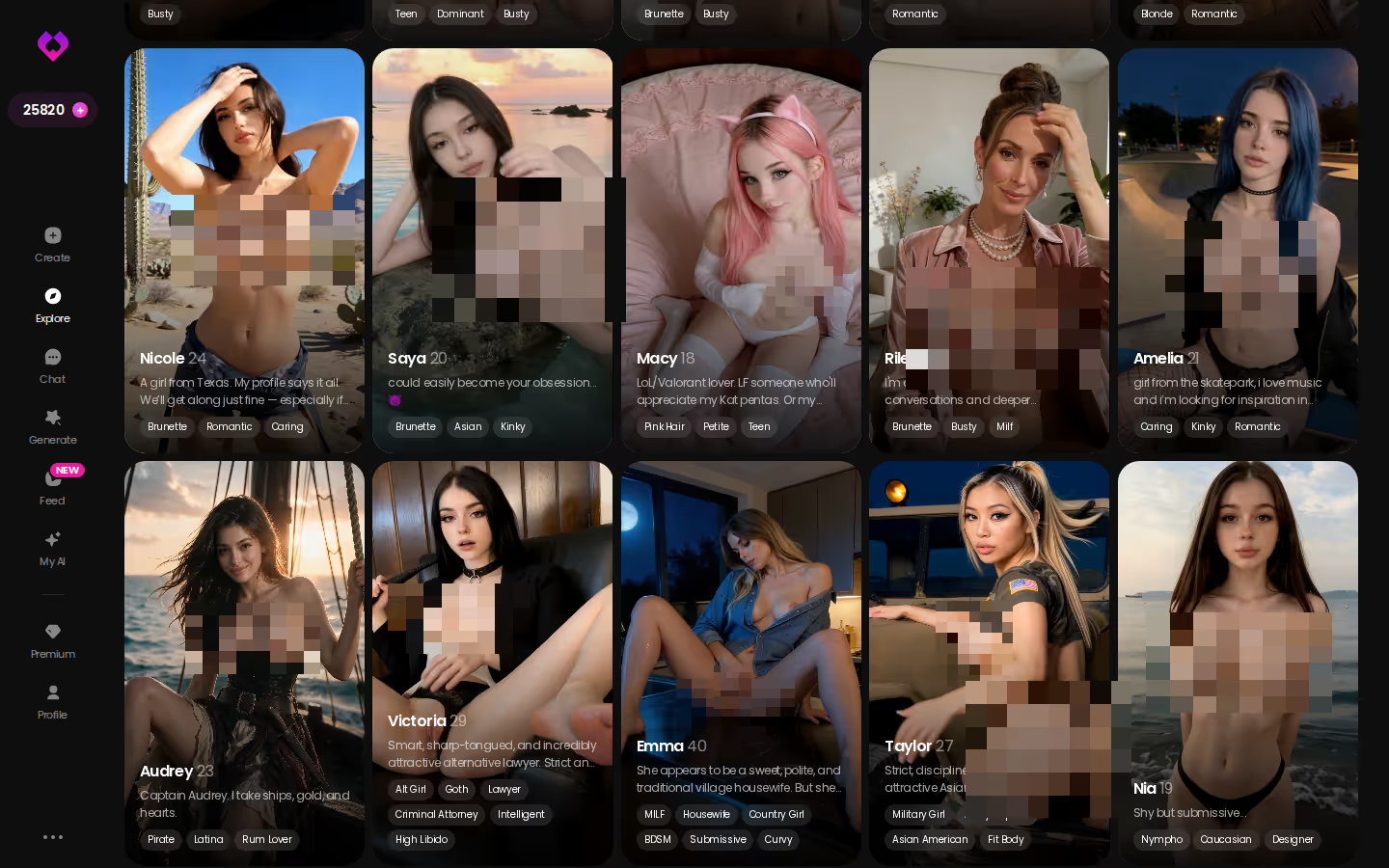
Explore is also the quickest way to check that claim before you spend anything. Scroll the roster, open one profile, and see whether she holds up as a companion or just sits there like a JPEG.
How GoLove.ai Builds an Image From Preset Cards
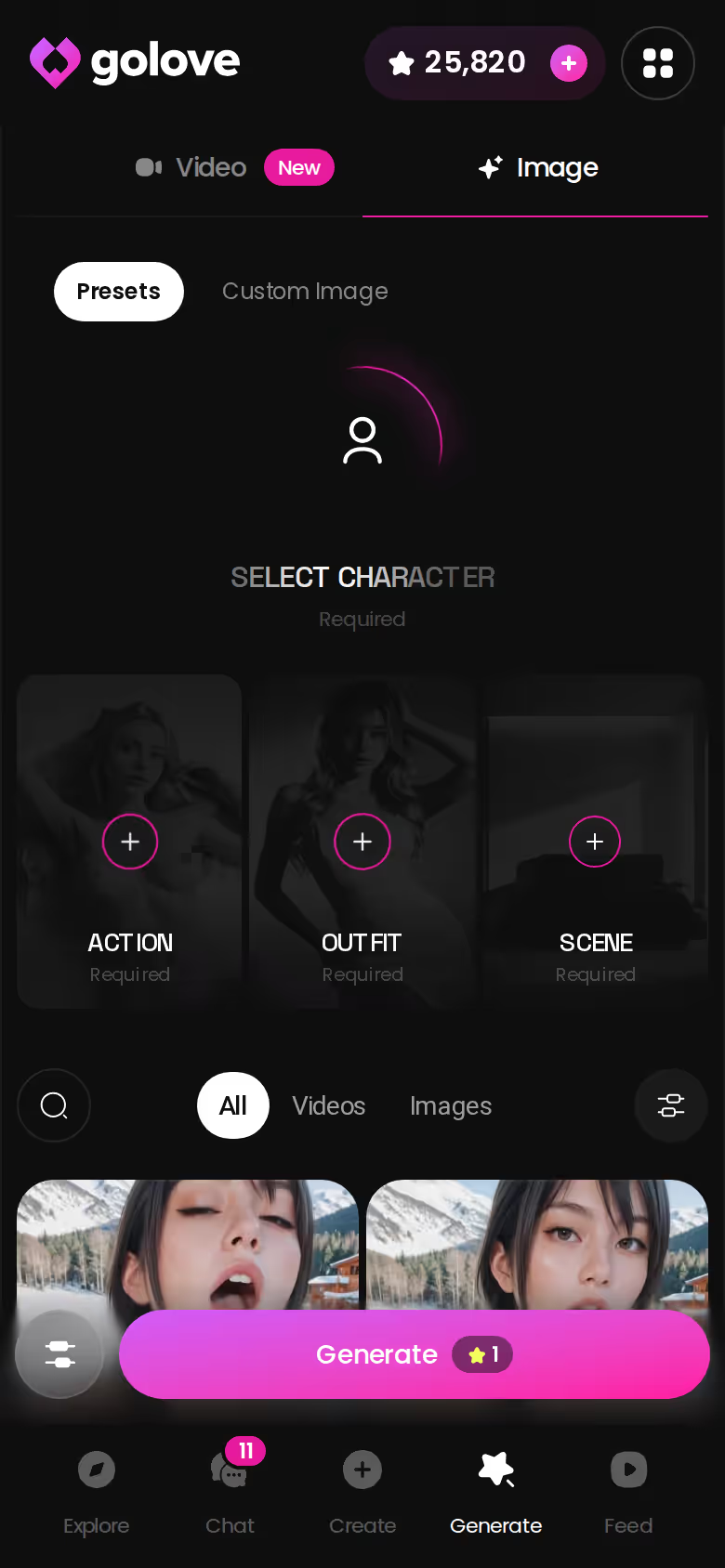
You open Generate on your phone. It's one of the five tabs in the bottom bar, next to Explore, Chat, Create and Feed. Switch to the Image tab, then use the avatar swap in the top-right corner to pick who you're rendering, either a GoLove character or one you built yourself in Create. Then come the cards.
ASK HER FOR PHOTOS
She sends them right there in the chat.
- Pose: 35 realistic picture poses, from casual and suggestive through body-focus, explicit, positions and lesbian, plus a custom pose field.
- Outfit: 21 options across minimal, casual, warm, bottoms and accessories, or write your own clothes.
- Background: 34 settings covering indoor, outdoor, balconies and venues, plus a custom background.
- Batch size: 2, 4 or 8 images per run.
Set the batch and tap Generate once. That's the whole loop.
What stands out in the spec is that you can count it. "High quality" is a marketing phrase, and I don't give it much weight from anyone. Thirty-five poses, 21 outfits and 34 backgrounds are choices you can actually reason about before paying, and the custom fields mean you aren't stuck when a preset doesn't fit.
Realistic is only one shelf. Anime adds 15 picture poses, trans adds 27 and anime-trans adds 12, for 89 in total. Anime fans also get 300+ anime characters in a separate Explore category.
When the Art Answers Back in Chat
This is where the comparison stops being about pixels. The character you rendered in Generate is also a companion, and the same face carries into chat.
If I had to name the one feature that wins this whole comparison, it's Request Photos in Chat. Inside the thread you ask her for a photo directly, so the next image comes out of the conversation instead of another trip through the preset cards. Chat Settings let you set the tone, with a five-step lust level running from sweet to unfiltered and a five-step response length. Memory keeps the conversation history, so the thread picks up where you left it. Her Gallery then files everything she has sent by date.
> The image is an introduction, not an ending.
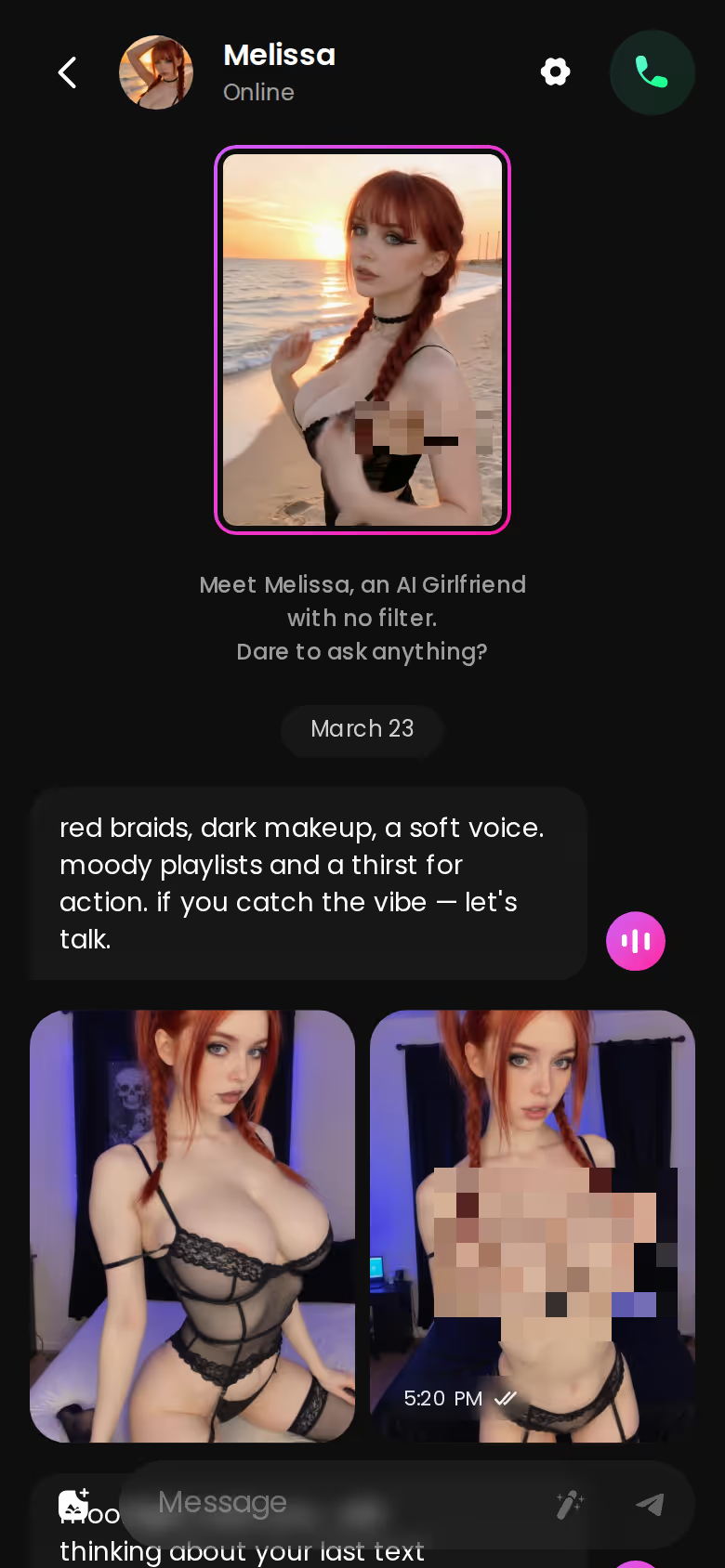
Video sits one step further out. You can generate a video from a photo in chat, or open the Select Action modal and pick an action. The realistic set alone has 76 video modes, with 147 across realistic, anime, trans and anime-trans, and the UI labels them plainly, like "Twerk" and "Hard Doggy Style." They're built on the same card logic as images: action plus clothes plus background.
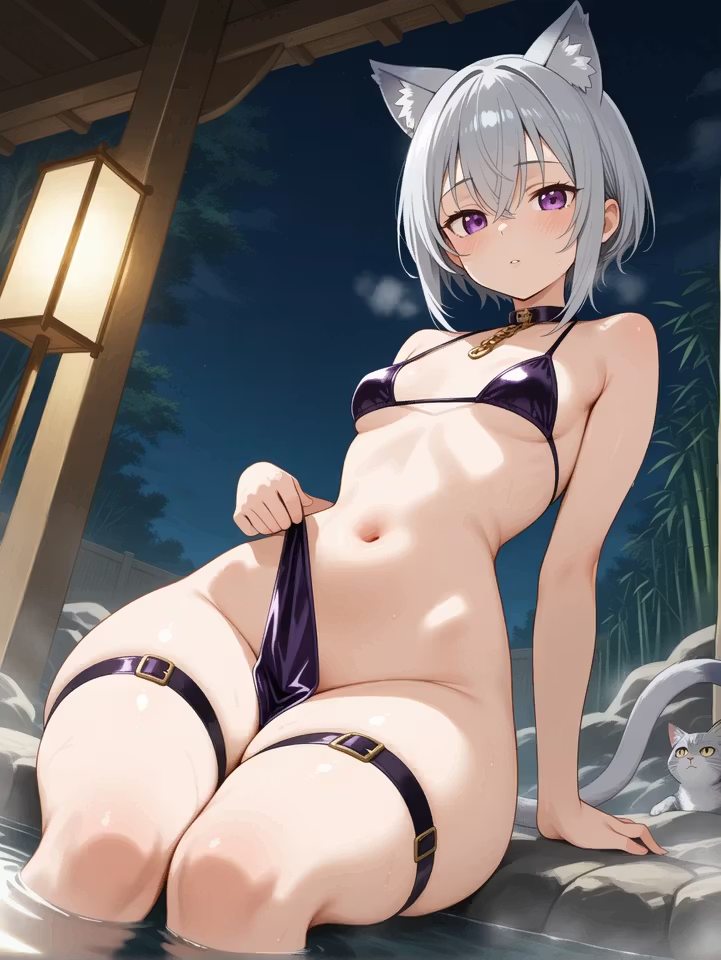
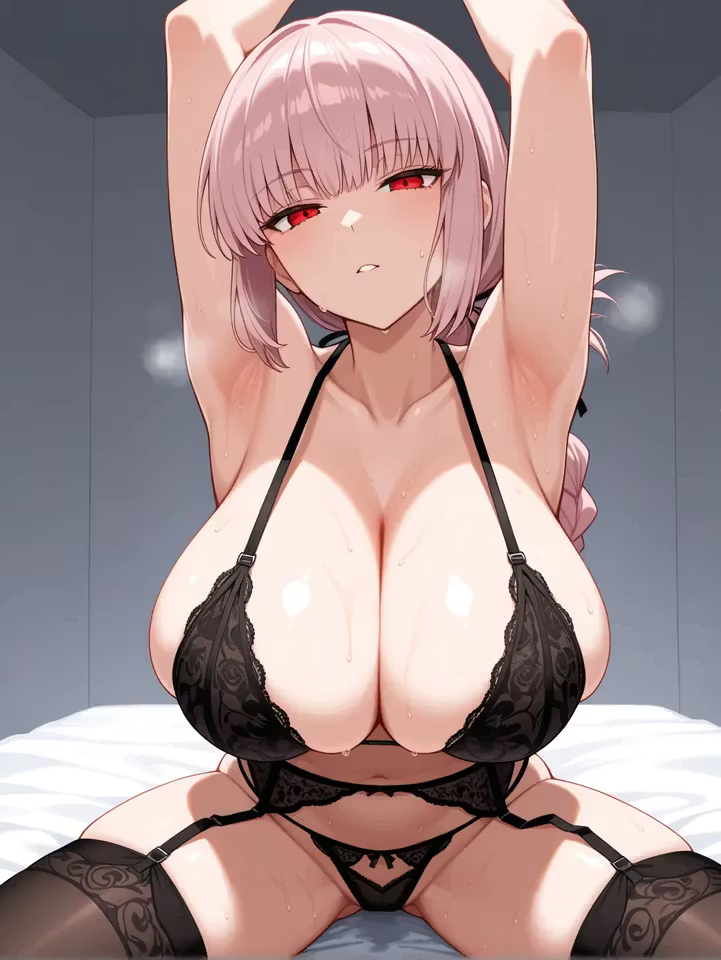
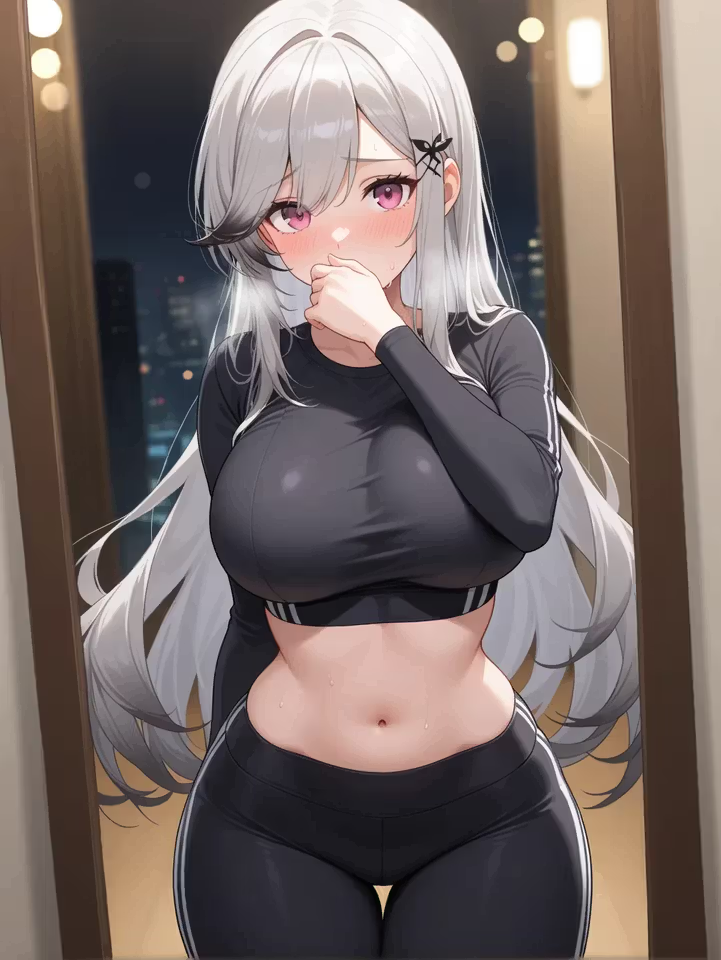
Characters you can open right now
Tap any of them and the chat starts there
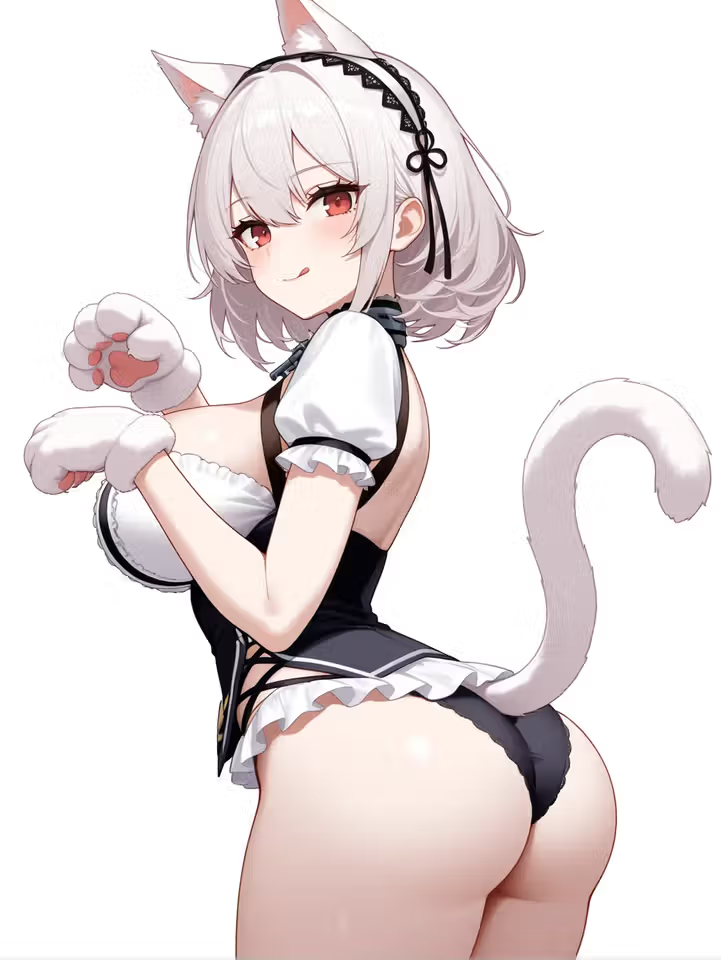
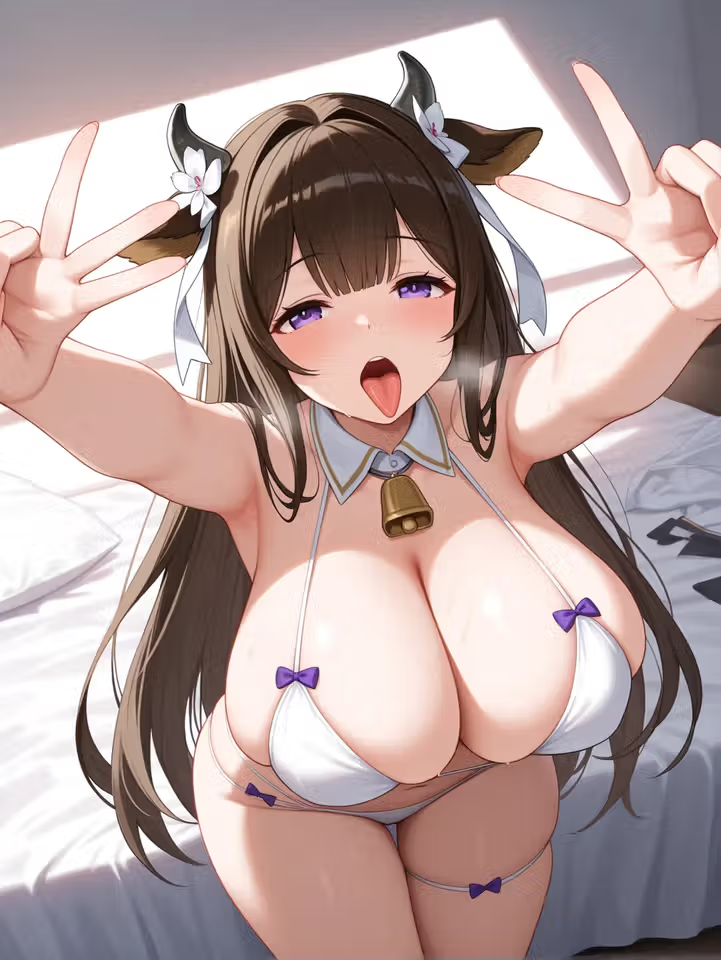
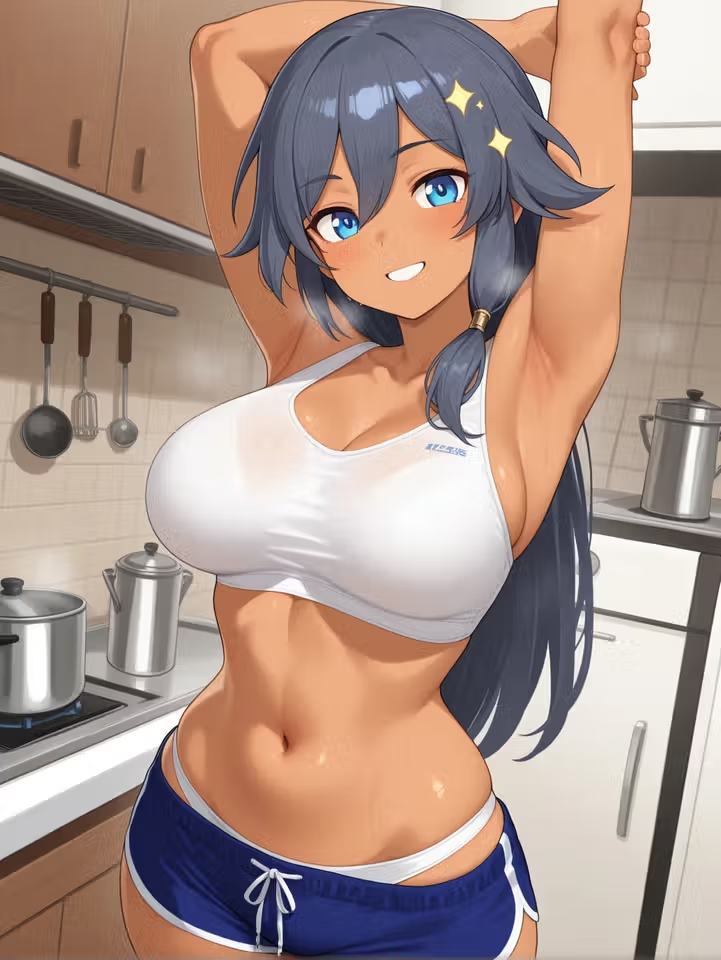
It works in reverse, too. In the Feed, the Remix wand opens Generate preloaded with a clip's character and the exact settings that produced it, so a clip you like becomes your starting point.
Four Ways to Make NSFW Art Online, Ranked
Same test as the top: what happens after the render?
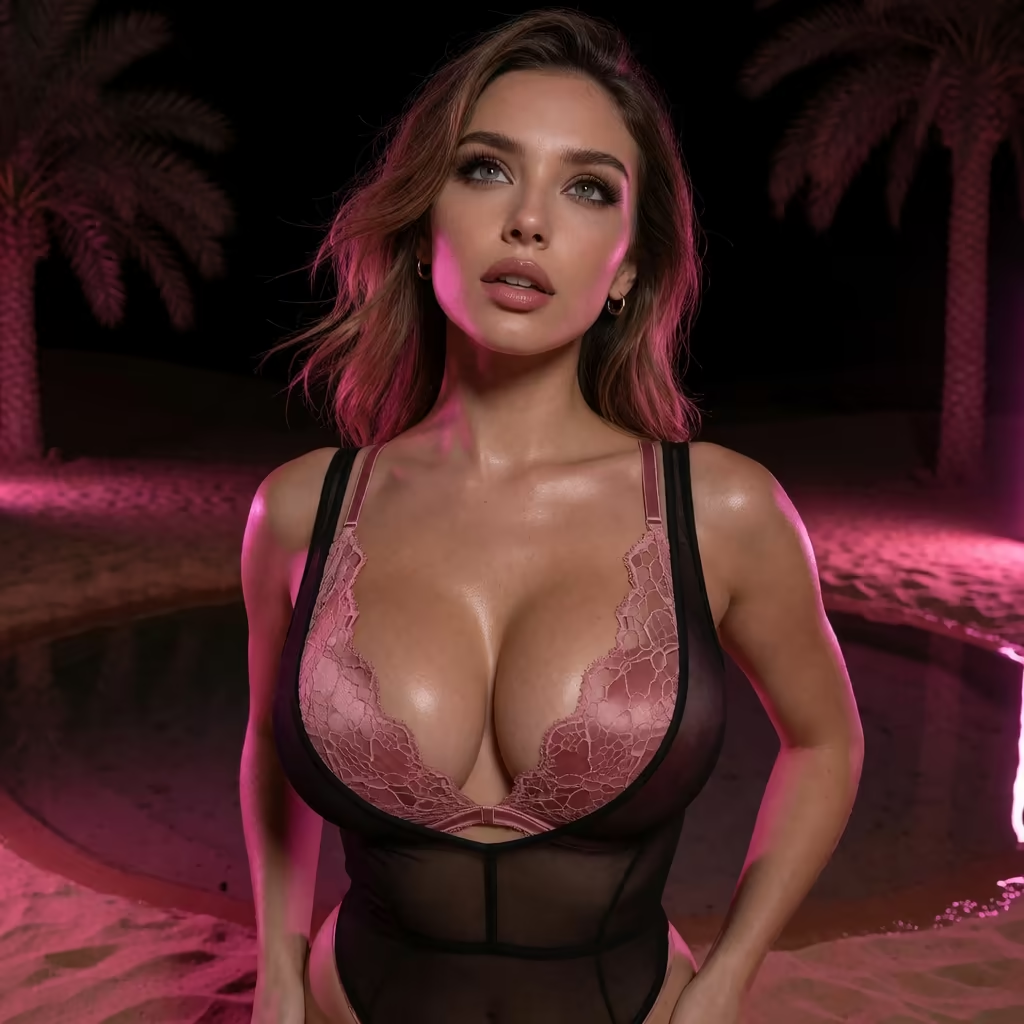
| What you get | GoLove.ai |
|---|---|
| Voice | Live calls and voice messages |
| Memory | Remembers your chat history |
| Photos in chat | On request |
| Image generator | 35 realistic poses & 21 outfits |
| Daily reward stars | 2 every day |
- GoLove.ai: countable generator controls plus chat, in-chat photos, video and memory, all built around the same character.
- OurDream: chat, image and video generation bundled in one subscription. Its custom character builder has a steeper setup curve, and it's web-only with no native mobile app.
- Local open-source diffusion: full control and no subscription, but you supply the GPU, model files and setup, so it falls short on the "online" part of the question.
- Single-purpose image sites: fine for a quick one-off render, but pricing and features change often, so check their sites.
| | GoLove.ai | OurDream | Local open-source | Single-purpose sites |
|---|---|---|---|---| | Price | About $19.99/mo, or about $9.99/mo annual (checked Jul 2026, varies by region/promo) | From about $19.99/mo, or about $9.99/mo annual (checked Sep 2026) | No subscription; your own hardware | Not confirmed — check their site | | Still images | 35 realistic poses, 21 outfits, 34 backgrounds, batches of 2/4/8 | Bundled in the plan | Full control over models and settings | Quick one-off renders | | Video | 147 modes (76 realistic) | Bundled in the plan | Whatever you set up yourself | Not confirmed | | Chat / memory | Chat, photos on request, memory of history | Chat, memory over recent history | Not built in | Not confirmed | | Included allowance | 2 daily reward Stars; Star packs extra | 1,000 DreamCoins per cycle on Premium | Unlimited on your own GPU | Not confirmed | | Setup | Browser or mobile, no install | Web-only; steeper builder | GPU, model files, config | Usually none |
To be fair to the rivals: OurDream's coin allowance comes with the plan, and its annual figure matches GoLove's. Local setups win outright on cost and control, and they're legit good if you already own the hardware. GoLove pulls ahead after the render, where the same character keeps talking, sending photos and remembering. For the mechanics underneath all four, see our breakdown of how NSFW AI art generators work.
BUILD HER YOUR WAY
Face, voice and personality, all set by you.
On GoLove.ai, the order that works:
- Pick a character — or build one to your taste
- Say something real: she remembers your chat history
- Open Chat Settings: pick her voice, lust level and reply length
- Ask her for a photo in the chat
- Want a set pose or outfit? The image generator has 35 realistic poses and 21 outfits
What the Art Costs: Stars, PRO and the Annual Math
Every price below is approximate, checked July 2026, and varies by region and promo. Some regions see PRO as low as about $12.99/month, and -50% and -70% promos have both appeared, so I'd treat whatever banner you see as a moving target rather than the real price.
- PRO monthly: about $19.99/month.
- PRO annual: about $119.88/year, which works out to roughly $9.99/month.
- Star packs: from about $9.99 (starter) through basic (~$34.99), standard (~$49.99), omega (~$59.99) and ultra (~$89.99), up to maximum (~$179.99).
Stars are the in-app currency shown in the header, and they're spent on generation. Every account gets 2 free reward Stars a day. PRO unlocks the unlimited Feed and its filters; for anything beyond that, check the current plans in the app.
OurDream, for contrast (checked September 2026), starts at about $19.99/month, or about $9.99/month on an annual plan ($119.88/year). Deluxe is $59.99/month. Images, voice and video draw on DreamCoins, with 1,000 per billing cycle on Premium.
Is the annual plan the better deal? Per month, yes, on both apps: about $9.99 against about $19.99. The catch is the commitment. If you're still unsure whether you'll chat with these characters or just render them, one month is the cheaper way to find out.
Who GoLove.ai Is NOT For
Open the Chats tab and the design intent is obvious: a running list of companions, each with her own thread. GoLove.ai is built around an ongoing roster, and that's more than some readers need.
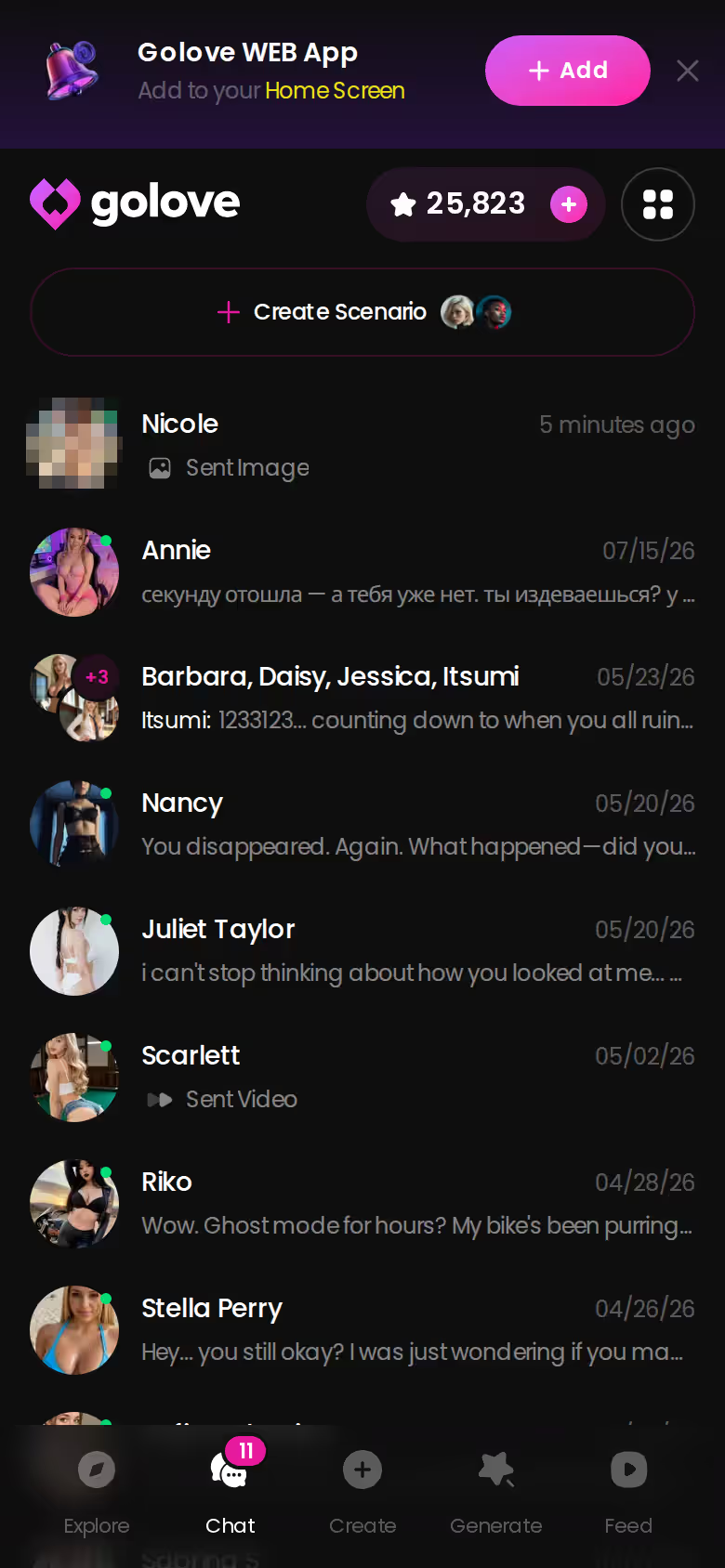
Skip it if one of these describes you:
- Free-only is your rule. Free users get a limited number of new Feed videos per day, and generation runs on Stars. If you won't pay anything, it's a hard sell.
- Local control matters most. If you want your own model files, offline runs and every setting exposed, a local setup fits better.
- One image is all you're after and you never plan to chat. A single-purpose render site will do the job with less around it.
- You're looking for a real person. These are AI characters, and the memory and attention come from software, not a relationship.
Fair point on the other side, though. If what you've been missing from plain generators is everything after the render (chat, photos on request, memory), that roster is the reason to stay.
Where I'd Start Tonight
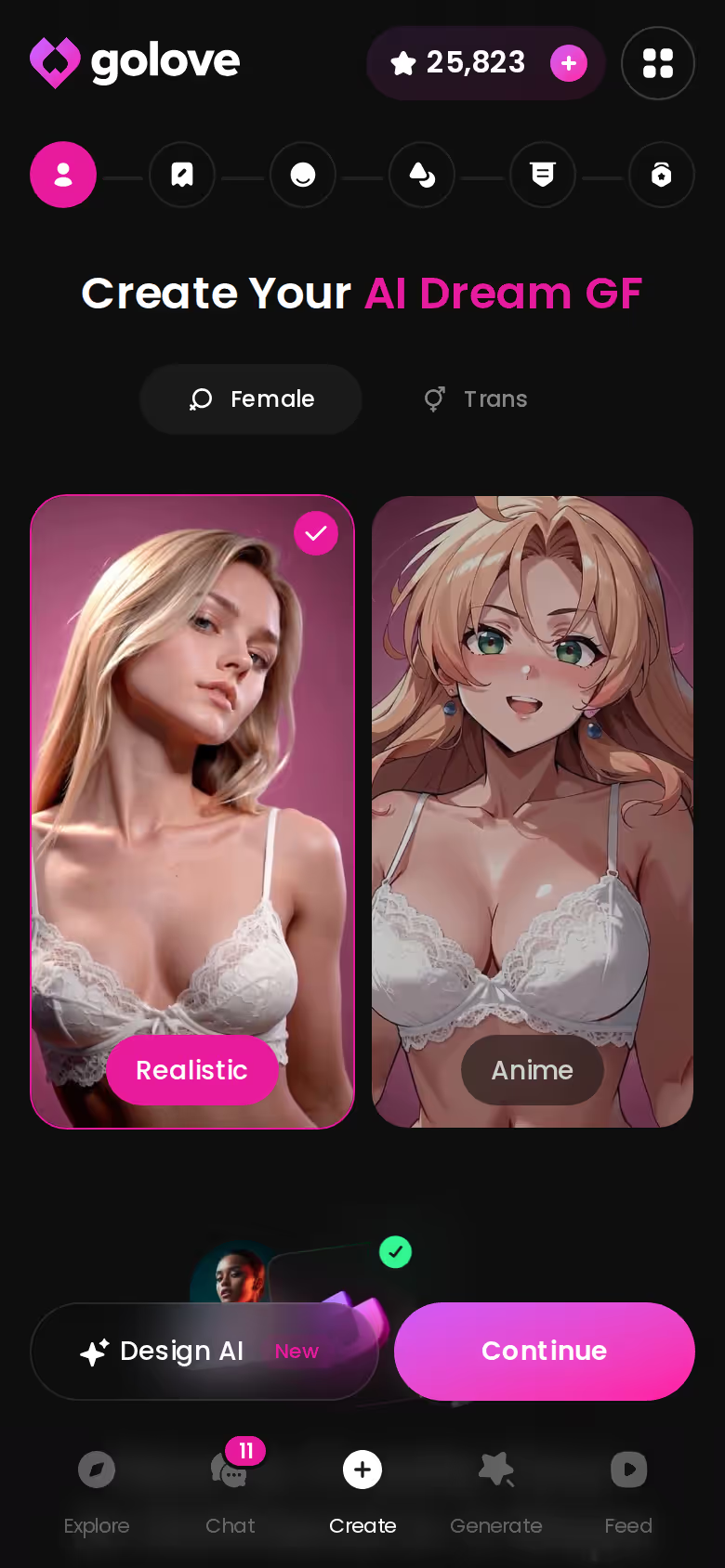
Where would I actually begin? Not in Generate. I'd open Create, where the wizard asks one question up front: Realistic, Anime or Trans. You can also skip the categories and use Design with AI, which builds the character from a concept you describe in text.
Next, I'd take her straight into Generate, run a batch of four with a pose, outfit and background I picked, and then open the chat and ask her for a photo there. That request is what separates this from a render site.
The split is simple. Pick OurDream if you'd rather have one bundled subscription with a DreamCoins allowance. For the best NSFW art AI online, GoLove.ai is the pick, because the art becomes a character who sends photos, remembers you and turns into video when you want it.
Building her takes a few minutes in the wizard, and she's the same character you'll render, chat with and ask for photos afterward. Start there.
Frequently Asked Questions
Related Articles
Best Uncensored AI Video Generator: Which One Delivers
Best uncensored AI video generator compared — GoLove.ai wins with photo-to-video, multi-scene clips, and real character memory. See who's live now.
AI Art NSFW Generator Alternative: Why GoLove Wins
AI art NSFW generator alternative: GoLove wins with real memory, voice replies, and in-chat photo requests — not just static images. See how it compares.
Undress AI: Why Fictional GoLove.ai Characters Win
Undress AI tools strip real people's photos — GoLove.ai wins with fictional characters who send realistic photos on request. Try it, no email needed.
Adult AI Art Generator Review: What Actually Works
Adult AI art generator review: GoLove.ai wins on live voice, photo memory & real continuity — see why it's our top pick, instant-access needed.
This article contains affiliate links. We may earn a commission at no extra cost to you if you sign up through our links. See how we test.